Last Updated on March 14, 2026 by Simple Tech Help
A strong password makes it much harder for attackers to access your accounts, even if they try automated tools designed to guess login credentials.
Passwords protect many parts of your digital life, including email accounts, banking apps, social media profiles, and online shopping accounts. Unfortunately, weak passwords remain one of the most common reasons accounts are hacked.
The challenge is that many people create passwords that are either easy to guess or too complicated to remember.
You can create strong passwords that are both secure and easy to recall once you understand how password security works.
What Makes a Strong Password?
A strong password is difficult for attackers or computer programs to guess. Therefore, it protects your accounts and personal information.
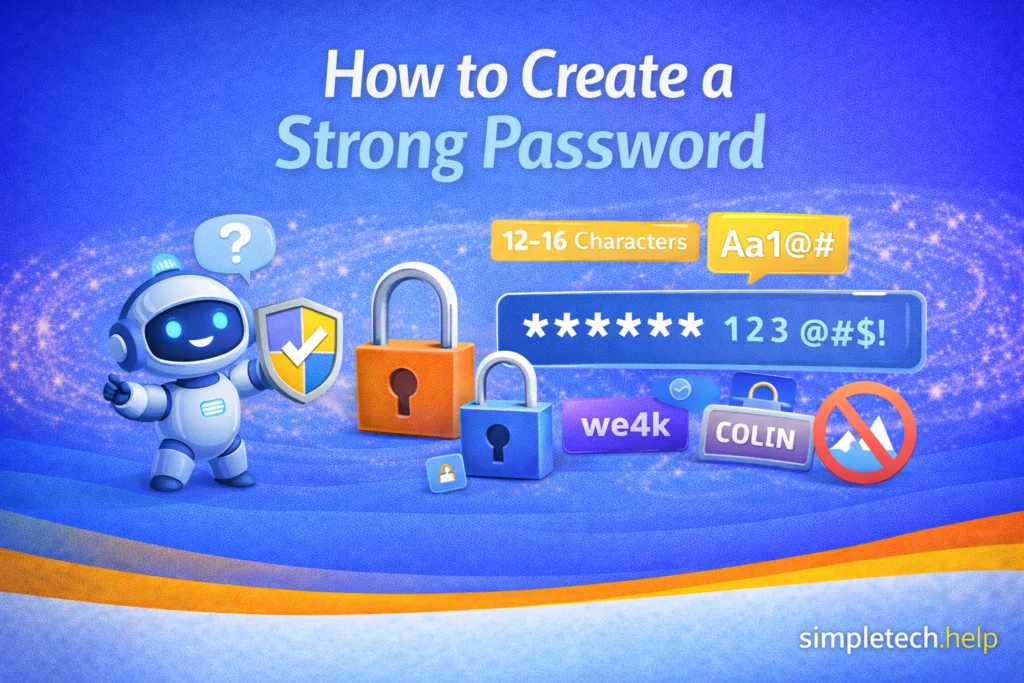
Strong passwords include:
- at least 12–16 characters
- a mix of letters, numbers, and symbols
- no personal information
- no common words or phrases>
Keep in mind that many online platforms will outline the requirements that you must meet when creating a new password or resetting an old one.
The longer and more unpredictable the password is, the harder it becomes to crack.
Weak Password vs a Strong Password
A weak password is one that is easy to guess, such as password123.
On the other hand, BlueRiver!Coffee92 is a better option.
The second password is longer and less predictable, making it far more secure.
Why Weak Passwords Are Dangerous
Many accounts are compromised simply because the password is too easy to guess.
Common weak passwords include:
- 123456
- password
- qwerty
- your name
- your birthday
Hackers use automated tools that test thousands of common passwords within seconds.
If your password appears on these lists, your accounts become vulnerable. In hacking scenarios, like email phishing scams, the goal is almost always the same. Hackers want to access your personal information so that they can drain your financial accounts.
Strong passwords help protect the personal information stored in your online accounts. Many accounts contain sensitive data that could be valuable to cybercriminals if accessed without permission.
For example, your accounts may contain:
- personal contact information
- financial details
- private messages
- saved payment methods
- documents and photos
- access to other connected accounts
If a password is weak or easy to guess, attackers may be able to gain access to this information.
How to Create a Strong Password You Can Remember
A good password should be both secure and memorable. One effective method is to create a passphrase.
A passphrase combines several unrelated words to create a longer password that is easier to remember.
Example: Sunset!PizzaTrainLibrary
Because it contains multiple random words, the password becomes much harder to guess while still being easy to recall.
You can also add numbers or symbols to make the password even stronger.
Use the Passphrase Method
The passphrase method is one of the simplest ways to create strong passwords.
To create a passphrase password:
- Choose three or four random words.
- Combine them into a phrase.
- Add numbers or symbols for additional security.
Example: GreenMountain!TeaRiver72
This password is long, unpredictable, and easier to remember than a random string of characters.
Additional Strong Password Best Practices
When creating your strong passwords, keep these additional best practices in mind.
Avoid Reusing Passwords
One of the most common security mistakes is using the same password for multiple accounts.
If one website experiences a data breach and your password becomes exposed, attackers may try the same password on other websites.
This is known as credential stuffing.
To reduce risk, each important account should have its own unique password.
Consider Using a Password Manager
Managing many passwords can be difficult. The average user opens at least 10 online accounts for apps, such as social media, banking, shopping, streaming, and productivity. Some users reported managing up to 100 accounts and at least two email accounts in 2024.
A password manager is a tool that securely stores your passwords so you do not have to remember them all.
Password managers can also:
- generate strong passwords automatically
- store login information securely
- fill in passwords when you log in to websites
This allows you to use unique passwords for every account without having to memorize them all.
Enable Two-Factor Authentication
Even strong passwords can sometimes be compromised through phishing attacks or data breaches.
Two-factor authentication (2FA) adds an extra layer of security by requiring a second verification step during login.
For example:
- a code sent to your phone
- an authentication app
- a security key
With two-factor authentication enabled, someone would need both your password and your verification device to access the account.
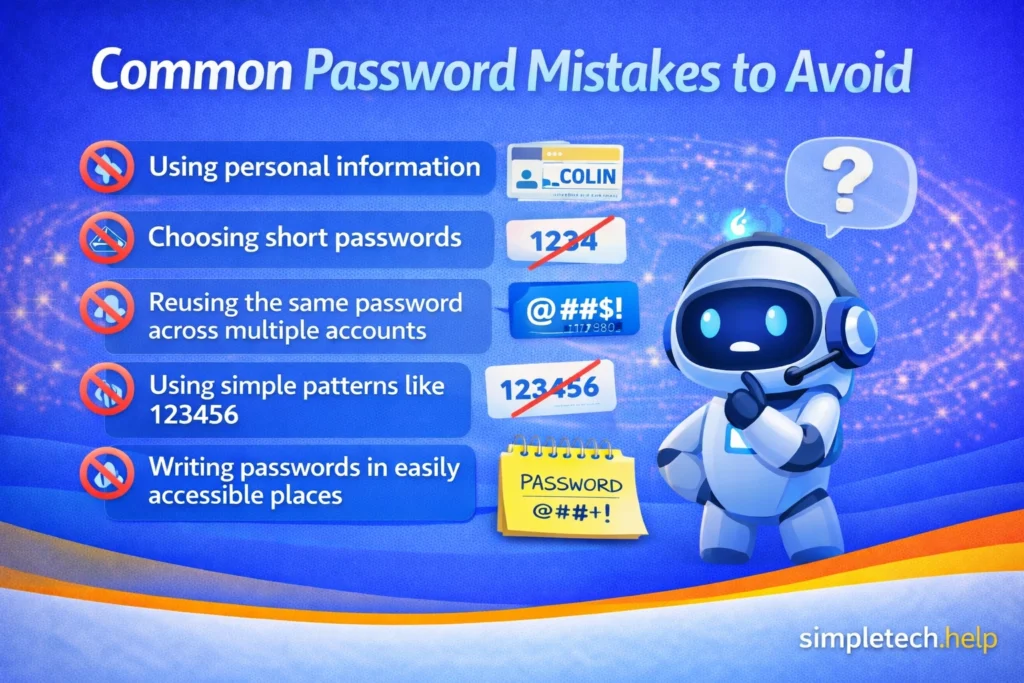
Common Password Mistakes to Avoid
When creating passwords, avoid these common mistakes:
- using personal information
- choosing short passwords
- reusing the same password across multiple accounts
- using simple patterns like 123456
- writing passwords in easily accessible places
Avoiding these mistakes can significantly improve your account security.
How Often Should You Change Your Password?
Since account security continues to evolve, it is no longer necessary to change your passwords regularly. Some platforms have forgone passwords and send users verification codes via email or text message for sign-ins.
Other platforms may ask you to update your password if they have changed their security protocols or if your account is several years old.
In many cases, modern security only requires users to update their passwords if they suspect unauthorized account activity.
You may want to change your password if:
- a website reports a data breach
- you suspect someone accessed your account
- you accidentally shared your password
- your account service provider sends you a notice to update it
Using a strong password combined with two-factor authentication provides strong protection.
Conclusion
Creating a strong password is one of the simplest and most effective ways to protect your online accounts. By using longer passwords, avoiding common phrases, and choosing unique passwords for each account, you can greatly reduce the risk of unauthorized access.
Simple strategies such as using passphrases, enabling two-factor authentication, and storing passwords securely can help keep your accounts protected without making them difficult to manage.
Next Steps
If you want to strengthen your online security even further, you may also want to learn:
- What two-factor authentication (2FA) is and how it protects your accounts
- What to do if your email account is hacked
- How phishing scams try to steal password
Understanding these common threats can help you keep your accounts and personal information safe online.
Frequently Asked Questions
Many people want stronger account security but are unsure how to balance security with convenience. The answers below address common questions about creating and managing strong passwords.
How long should a strong password be?
Most security experts recommend using passwords that are at least 12 to 16 characters long.
Longer passwords are significantly harder for automated programs to crack.
Are passphrases better than regular passwords?
Yes. Passphrases are often easier to remember yet highly secure because they contain more characters.
Should I write down my passwords?
It is generally safer to store passwords in a password manager rather than writing them down where others may find them.
Is it safe to save passwords in my browser?
Modern browsers offer password storage, but dedicated password managers usually provide stronger security features.