Last Updated on March 15, 2026 by Simple Tech Help
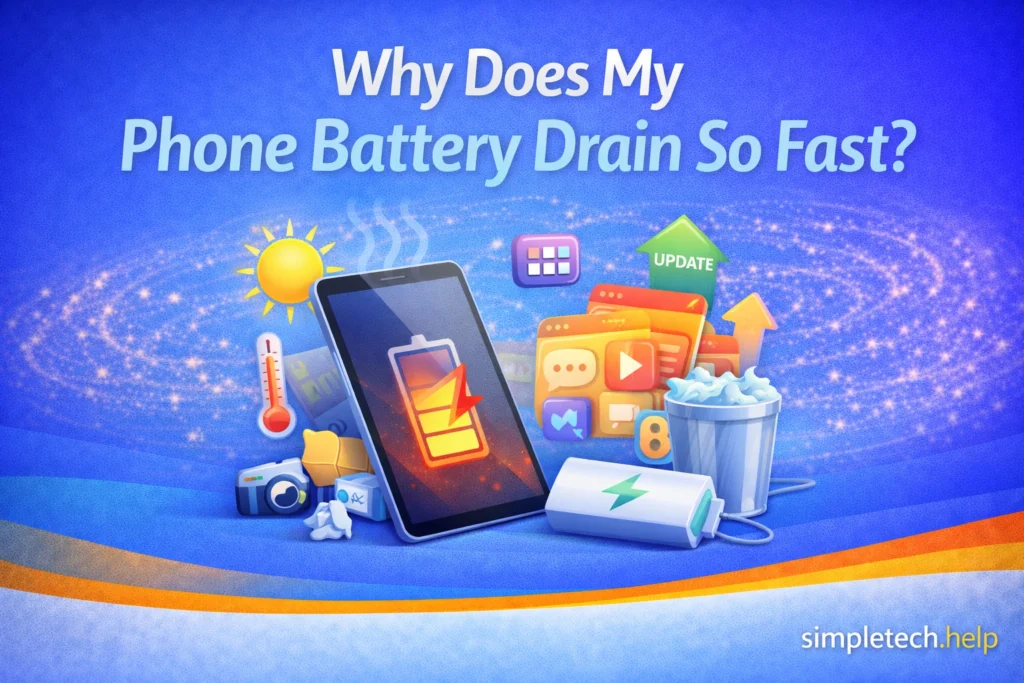
If your phone battery is draining faster than usual, you are not alone. Battery life is one of the most common smartphone problems.
Most modern phones can last a full day with normal use. However, certain apps, settings, and background processes can drain your battery much more quickly.
In many cases, fast battery drain is caused by simple issues that can be fixed in just a few minutes.
Common Reasons Your Phone Battery Drains Quickly
Several factors can cause a phone battery to lose power faster than expected. If you understand the most common ones, you can take actions to fix and prevent them.
The most common causes of a fast-draining phone battery include:
- screen brightness set too high
- apps running in the background
- constant location tracking
- poor cellular signal
- outdated apps or software
- an aging battery
Understanding which factor is responsible can help you improve your phone’s battery life.
Screen Brightness Is Too High
Your phone’s screen is one of the biggest drains on battery life.
If the brightness is set to maximum, the battery drains significantly faster.
You can reduce battery usage by:
- lowering the screen brightness
- enabling automatic brightness
- shortening the screen timeout setting
Some apps automatically raise the brightness of your phone’s screen. The feature makes it easier to scan bar and QR codes in retail settings. Closing the app will lower the screen’s brightness.
Automatic brightness also helps manage the setting. Depending on the room’s brightness and the time of day, the automatic brightness adjusts levels to match the environment.
Additionally, shortening the screen timeout setting will reduce brightness and drain the battery less slowly.
Even small changes to brightness can noticeably improve battery life.
Apps Running in the Background
Many apps continue working even when you are not actively using them. Since they force your phone to also keep working, apps running in the background drain battery power.
When apps run in the background, they may:
- refresh content
- check for notifications
- update information in the background
Social media, messaging, and navigation apps often drain the battery more than others.
You can check which apps use the most battery in your phone’s battery settings.
If an app is using excessive power, consider:
- limiting its background activity
- disabling unnecessary notifications
- uninstalling it if you rarely use it
Many users install 40 or more apps, but use only 8 to 9 regularly. A phone cluttered with too many apps, especially unused ones, can drain a battery more quickly.
Users can unclutter their phones by creating a digital app stack.
Location Services Are Always Active
Location services use GPS and other sensors to determine your location.
Apps such as maps, weather services, and ride-sharing apps rely on this feature to provide the most accurate information.
While helpful, constant location tracking can drain your battery quickly.
To reduce battery usage, you can:
- disable location access for unnecessary apps
- set location permissions to “While Using the App”
This prevents apps from tracking your location when they are not in use.
Weak Cellular Signal
When your phone has trouble finding a cellular signal, it works harder to maintain a connection with nearby towers.
This extra effort uses additional battery power.
You may notice faster battery drain when you are in places such as:
- rural areas
- underground locations
- buildings with thick walls
If you are in an area with a poor signal for an extended period, turning on Airplane Mode may help conserve battery. Otherwise, you may need to wait until your location changes before attempting to access a cellular signal.
Bluetooth, Wi-Fi, and Other Connections
Wireless features like Bluetooth and Wi-Fi typically use little power, but they can still drain the battery if left on continuously.
For example, sometimes AirPods don’t completely disconnect from your iPhone, even though you put them back in their case.
If you are not using these features, turning them off will prevent immediate drain on the battery and may slightly extend the phone’s battery life.
Too Many Notifications
Frequent notifications can wake your phone’s screen dozens or even hundreds of times per day.
Each notification triggers:
- screen activity
- background app checks
- sounds or vibrations
Over time, this constant activity can drain the battery.
Some users need to see a steady stream of notifications for email and text messages, but most can turn most of them off.
Turning off notifications for unimportant apps helps reduce battery usage.
Outdated Apps or Software
Software updates often include improvements that help apps run more efficiently.
If your phone’s operating system or apps are outdated, they may use more battery power than necessary.
Check for updates regularly by:
- updating your phone’s operating system
- updating apps through your app store
Keeping your software current can improve both performance and battery life.
Your Battery May Be Aging
All rechargeable batteries gradually lose capacity over time.
After several years of use, a phone battery no longer holds as much charge as it did when new.
Signs of an aging battery include:
- battery draining unusually fast
- sudden drops in battery percentage
- the phone shutting down unexpectedly
If your phone is several years old, replacing the battery may restore normal performance.
When you decide that it’s time to replace an old phone, our buying tech guide helps you figure out the specs you need to know.
Too Many Widgets or Background Features
Widgets and constantly updating features can also increase battery usage. While they provide convenient at-a-glance information, if you’re worried about your phone’s battery, limit the number.
Examples of widgets include:
- live weather widgets
- continuously refreshing news feeds
- animated wallpapers
Reducing the number of widgets on your home screen can help conserve battery power.
Malware or Problematic Apps
Although less common, certain malicious or poorly designed apps can consume excessive battery power.
If your battery problems started shortly after installing a new app, that app may be responsible.
Removing suspicious apps may improve battery performance.
Additionally, running a weekly antivirus scan on your phone helps keep it in good shape. If malware is causing the battery drain, you’ll catch it before it does any real damage.
How to Check Which Apps Use the Most Battery
Most smartphones include a battery usage report that shows how much power each app consumes.
It’s a feature that allows you to learn more about your usage and the device.
To check battery usage:
- Open Settings
- Tap Battery
- Select Battery Usage or Battery Activity
This section shows which apps have used the most battery since the last charge.
If one app is using a large percentage of battery power, it may be worth reviewing its settings or removing it.
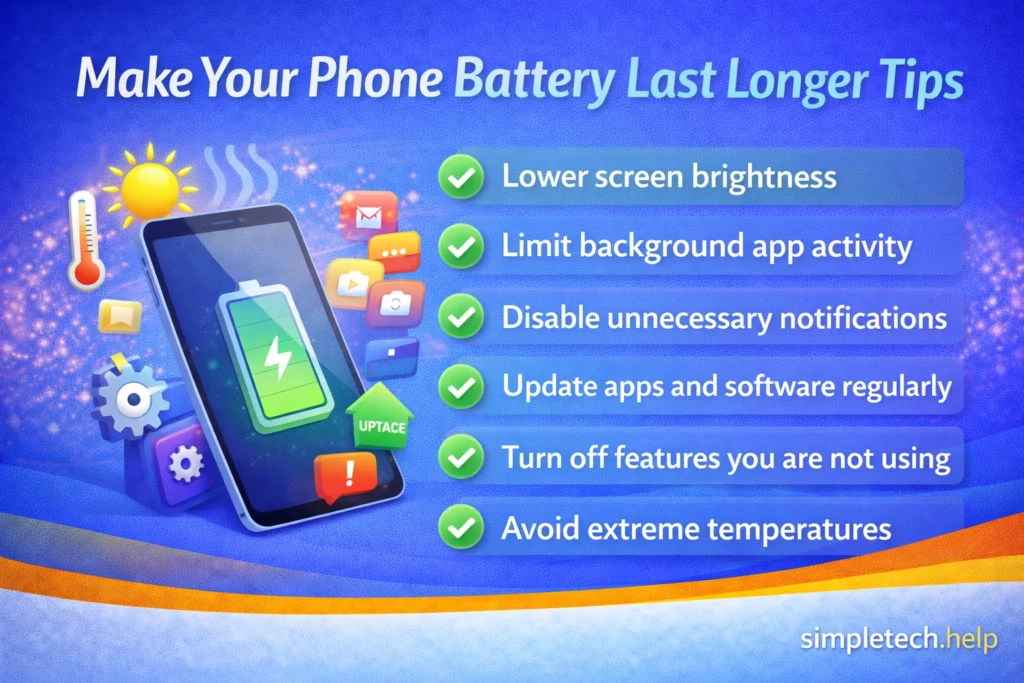
Tips to Make Your Phone Battery Last Longer
If your phone battery drains quickly, a few simple habits can help extend battery life.
Helpful habits include:
- lowering screen brightness
- limiting background app activity
- disabling unnecessary notifications
- updating apps and software regularly
- turning off features you are not using
- avoid extreme temperatures
These small adjustments can significantly improve how long your phone lasts between charges.
Conclusion
If you have been asking, “Why is my phone battery draining so fast?”, the cause is often due to screen settings, background apps, weak signals, or an aging battery.
By reviewing your battery usage and adjusting a few settings, you can often improve battery life and reduce how often you need to recharge your phone.
Small changes to app settings and phone features can make a noticeable difference in how long your battery lasts throughout the day.
Next Steps
If your phone is still having problems, you may also want to learn:
- Why your phone is running slow
- What to do if your phone storage is full
- How much storage do you actually need on a phone
Understanding these common smartphone issues can help keep your device running smoothly.
You can also explore more troubleshooting when nothing works basics.
Frequently Asked Questions
Battery performance can vary depending on how a phone is used. The answers below address some common questions about fast battery drain.
Is it normal for phone batteries to drain quickly?
Battery usage increases when using demanding apps such as video streaming, navigation, or gaming. However, if the battery drains unusually fast during normal use, there may be a settings or software issue.
Do background apps drain battery?
Yes. Some apps continue to refresh data, check notifications, or track location in the background, which can reduce battery life.
Should I close all apps to save battery?
Modern phones manage background apps efficiently, but closing apps that use excessive battery can sometimes help.
When should I replace my phone battery?
If your phone is several years old and the battery drains quickly even after trying the fixes above, the battery may need replacement.