Last Updated on March 19, 2026 by Simple Tech Help
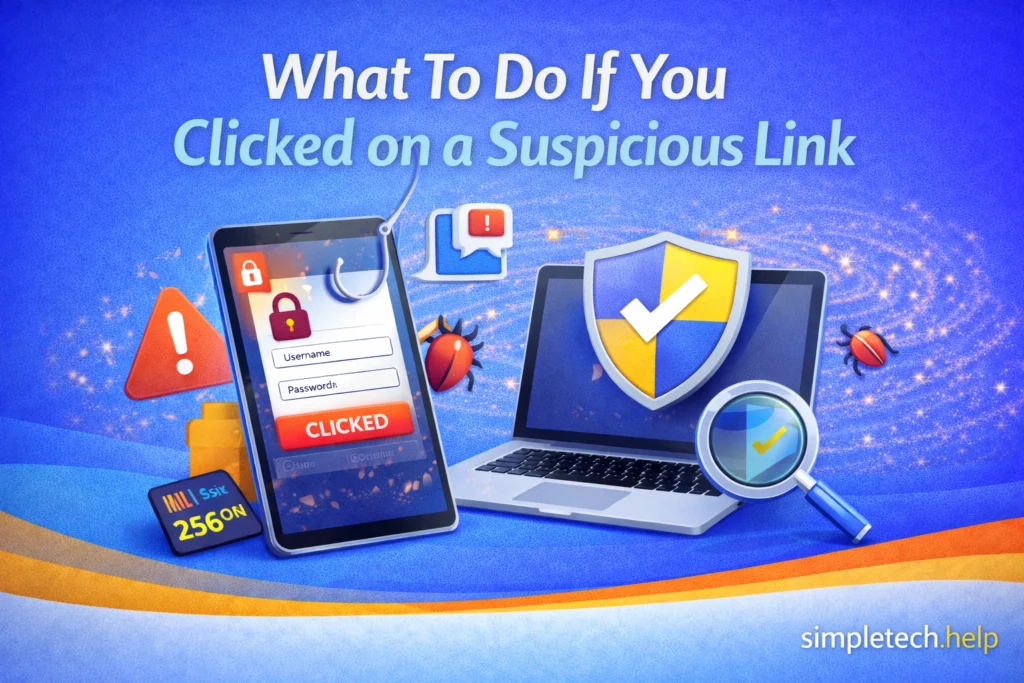
Clicking a suspicious link can be alarming, but it doesn’t automatically mean your device has been hacked.
Phishing is one of the most common forms of cybercrime and is responsible for millions of fraudulent messages sent every day.
Many phishing links simply try to trick you into entering personal information. However, some links can install malware or redirect you to fake login pages designed to steal your passwords.
If you clicked on a suspicious link, taking a few quick steps can help protect your accounts and personal data.
Immediate Steps to Take
After clicking on a suspicious link, remain calm and level-headed. Clicking on the link doesn’t always cause damage. The damage usually occurs when it leads to a program that starts installing itself on your device.
1. Do Not Enter Any Information
If the link opened a webpage asking for login details, payment information, or personal data, do not enter anything.
Close the page immediately.
Phishing websites often mimic legitimate services such as banks, delivery companies, or online stores to trick people into entering their credentials.
Don’t fall for it.
2. Disconnect From the Internet If a Download Started
If a file began downloading automatically, disconnect your device from Wi-Fi or mobile data right away.
This can prevent malicious software from fully installing or communicating with external servers.
You can reconnect once you’ve checked your device for threats.
3. Run a Security Scan
Use your device’s built-in security tools or trusted antivirus software to scan for malware.
Security scans can detect:
- malicious downloads
- spyware
- trojans
- suspicious apps
Most modern devices have built-in protections, but running a manual scan adds an extra layer of safety.
If the software or tools uncover anything suspicious, they will alert you.
Use Trusted Security Tools Only
When you run a security scan, ONLY use the built-in security tools on your device or well-known antivirus software.
Be cautious about downloading unfamiliar apps that claim to remove malware or fix security issues, especially if they appear after you click on the suspicious link. Some phishing scams lead to fake “security” tools that are actually designed to steal information or install additional malware, known as second-stage scams.
Second-state scams include fake antivirus and malware removal scams. The perpetrators can also pose as fake tech support.
If you need security software, download it directly from your device’s official app store or the developer’s official website rather than from links in emails or messages.
4. Change Your Passwords If You Entered Any
If you typed a password into the suspicious page, change that password immediately.
Start with the affected account, then update any other accounts that use the same password.
Using unique passwords for every account helps prevent attackers from gaining access to multiple services. Your goal is to minimize potential damage.
5. Enable Two-Factor Authentication
Two-factor authentication (2FA) adds an additional security layer beyond your password.
Even if a scammer obtains your login credentials, they will still need the verification code sent to your device.
Many major services now offer 2FA through:
- text messages
- authentication apps
- security keys
Their goal is to protect their users.
6. Check Your Accounts for Unusual Activity
After clicking a suspicious link, monitor your accounts for signs of unauthorized access.
Look for things like:
- login alerts from unfamiliar locations
- password reset emails you did not request
- unexpected purchases or transactions
If you notice anything suspicious, contact the company involved immediately. Monitoring your accounts also helps you isolate the risk.
What Happens When You Click a Phishing Link?
Not every phishing link installs malware. In many cases, the link simply leads to a fake login page designed to steal your credentials.
However, some malicious links can:
- trigger malware downloads
- redirect you to multiple scam websites
- attempt to exploit vulnerabilities in outdated software
This is why it’s important to avoid interacting with the page and run a security scan if you clicked a link by mistake.
Signs the Link May Have Been a Phishing Attempt
If you clicked a link and later realize it may have been suspicious, keep in mind the warning signs for future phishing messages.
Remember that phishing attempts, in all their forms, aim to trick you into providing sensitive information.
Many phishing messages share similar characteristics, such as:
- the website address does not match the company’s official domain
- the page asks for personal or financial information unexpectedly
- poor spelling or unusual formatting
- urgent messages like “Your account will be locked”
These are common tactics used in phishing attacks.
When Should You Be Concerned?
Even though you clicked on a suspicious link once, it may not cause severe damage unless you took additional actions.
You should take extra precautions if any of the following happened:
- you entered login credentials on the page
- a file downloaded automatically
- your device started behaving strangely afterward
- the page requested payment information
In these situations, change your passwords, run a security scan, and monitor your accounts carefully.
How to Avoid Clicking Suspicious Links in the Future
Phishing attacks rely on urgency and deception to trick people into clicking quickly.
You can reduce the risk by following a few simple habits:
- avoid clicking links in unexpected emails or messages
- hover over links to preview the destination (on desktop)
- verify messages directly with the company if something seems urgent
- keep your device and browser updated
Learning to recognize phishing tactics can help prevent future scams.
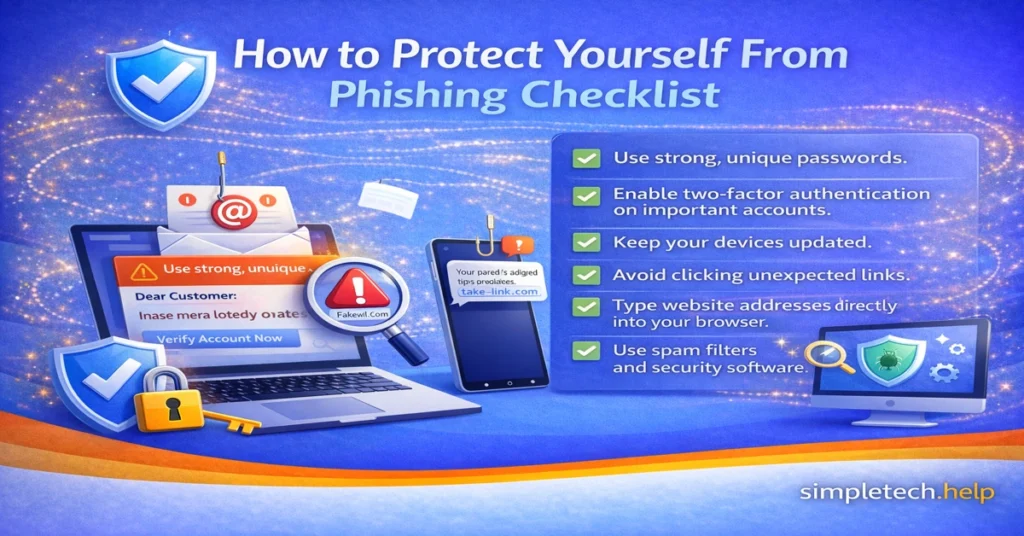
Phishing Attack Timeline
A phishing attack follows specific, dependent steps. It only works if you execute your part, such as clicking on a suspicious link.
Understanding the timeline can help you prevent real damage after clicking a link and future attacks.
How a Phishing Attack Works
Most phishing scams follow a predictable pattern:
Step 1: The Message Arrives
The attacker sends an email, text message, or social media message that appears to be from a legitimate company.
Step 2: The Victim Clicks the Link
The message includes a link that directs the user to a fake website or a malicious download.
Step 3: The Fake Website Collects Information
The website may ask for login credentials, payment information, or personal details.
Step 4: The Attacker Uses the Stolen Data
Stolen credentials can be used to access accounts, make fraudulent purchases, or launch further scams.
Real Example of a Phishing Message
If you have not received a phishing email or text message, you are in a small minority, or maybe you received one but ignored it, which is great.
Just in case, here is a real example of a common phishing message.
Phishing Email Example
This phishing message imitates a package delivery service:
Subject: Delivery Attempt Failed – Action Required
We attempted to deliver your package today but were unable to complete delivery.
Please confirm your address and reschedule delivery here:
[Track Package Now]
The link actually leads to a fake website designed to collect personal information or payment details.
Warning signs include:
- urgent language
- unexpected requests
- links that do not match the official company domain
Knowing what a phishing attempt looks like can help you spot them more easily.
How to Report Phishing Messages
Whether you received your first phishing message or your 50th, it helps to report them.
Report a Phishing Scam
Reporting a phishing scam can help prevent others from being targeted.
You can report phishing attempts to:
- your email provider by using the Report Phishing option
- the company being impersonated
- your country’s consumer protection agency
Reporting phishing messages helps security teams track scams and remove malicious websites. It lets them know if scammers have brewed a new scam, revived an old one, or have continued an existing one.
Additionally, reporting phishing messages helps clean up your inboxes. For example, when you use your email provider’s Report Phishing options, it alerts them. Then, you can block the email address. New messages from that address will route to your Spam folder instead of your inbox
For phishing text messages, some providers have added a “Report Junk” link at the bottom of the message. It will ask you to confirm and prevent future messages from the sender. Phone providers, like email providers, compile these reports to help keep users safe.
Key Takeaway
Clicking a suspicious link doesn’t always result in a security breach, but it’s important to act quickly.
Close the page, avoid entering personal information, run a security scan, and monitor your accounts. Taking these precautions can significantly reduce the risk that a phishing attack will cause real harm.