Last Updated on March 15, 2026 by Simple Tech Help
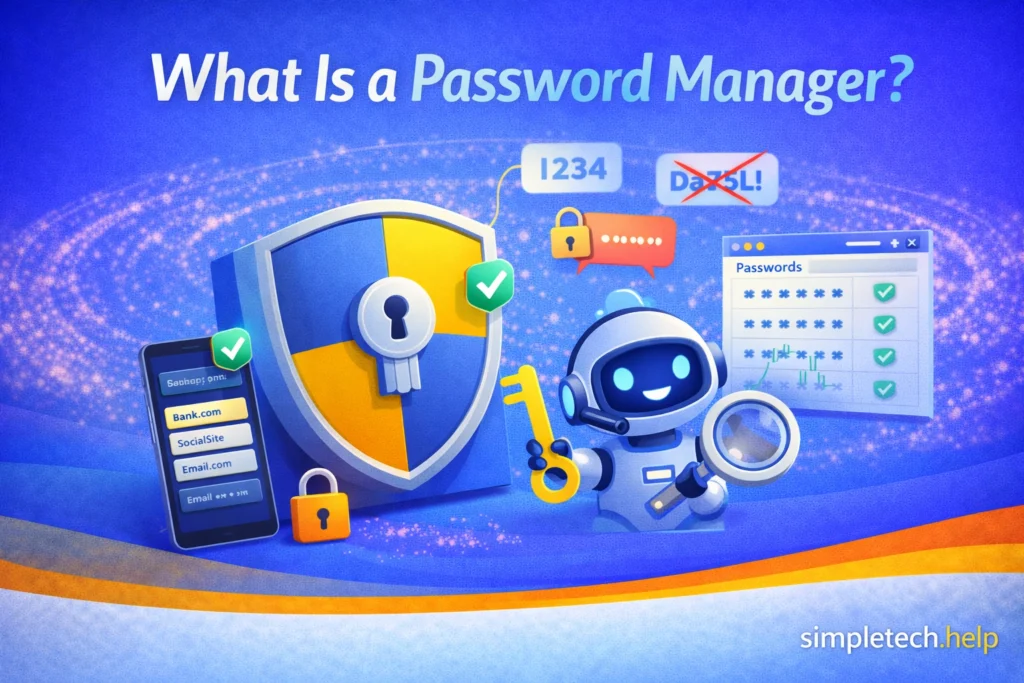
A password manager is a tool that securely stores your passwords and helps you log in to websites and apps without having to remember each one.
Instead of memorizing dozens of passwords, you only need to remember one master password. The password manager stores your other passwords in an encrypted vault and automatically fills them in when you log in to websites.
Password managers help solve one of the most common security problems: people often reuse the same password across multiple accounts because it is difficult to remember many different passwords.
By storing and generating strong passwords, password managers make it easier to keep your accounts secure.
Why Password Managers Are Important
Many people use weak passwords or reuse the same password across multiple accounts. This can create serious security risks.
If one website experiences a data breach and your password is exposed, attackers may try that same password on other services, such as:
- email accounts
- banking apps
- social media platforms
- online shopping sites
This technique is called credential stuffing.
Password managers reduce this risk by allowing you to create unique passwords for every account without needing to remember them all.
Moreover, the average user must remember multiple passwords because they create at least ten online accounts, leading to frequent resets and reuse. A password manager takes
How Password Managers Work
A password manager stores your login credentials inside a secure digital vault.
When you visit a website or open an app, the password manager can automatically fill in your saved login information.
The process works like this:
- You create a master password.
- The password manager encrypts and stores your passwords.
- When you visit a website, the password manager offers to automatically fill in your login information.
Most password managers also allow you to store additional information, such as:
- security questions
- credit card details
- secure notes
Because this information is encrypted, it remains protected even if someone gains access to the stored data.
What Is a Master Password?
The master password is the single password that unlocks your password manager.
Because it protects access to all of your stored passwords, it should be:
- long
- unique
- difficult for others to guess
Many people create a master password using a passphrase, which is a combination of several random words.
Example: RiverCoffeeSunsetTrain
Long passphrases are often easier to remember while still being very secure.
Benefits of Using a Password Manager
Password managers offer several advantages for both security and convenience.
Stronger Passwords
Password managers can generate strong, random passwords for each account. It also saves time when you need to create and manage several passwords.
The random generation of strong passwords makes it much harder for attackers to guess your login credentials.
Unique Passwords for Every Account
Because the password manager remembers them for you, you can use a different password for each website.
A password manager helps you avoid reusing passwords.
Faster Logins
Password managers can automatically fill in login forms, which saves time. You’ll also need to reset passwords less often because the manager remembers them for you.
Protection against Phishing
Some password managers only autofill login credentials on the correct website. If you accidentally click on a suspicious link and visit a fake login page, the password manager may refuse to fill in the password, alerting you that something is wrong.
Therefore, a password manager helps protect you against phishing attempts, including email phishing scams.
Are Password Managers Safe?
Password managers are generally considered a safe way to manage passwords.
Most password managers use strong encryption to protect your stored data from unauthorized access.
In many cases, using a password manager is far more secure than storing passwords in documents, notes, or memory alone.
However, security still depends on a few best practices:
- choose a strong master password
- enable two-factor authentication if available
- keep your devices secure
When used correctly, password managers can significantly improve account security.
Types of Password Managers
There are several types of password managers, including browser-based password managers.
Browser Password Managers
Many web browsers include built-in password storage. These tools can automatically save and fill passwords when you log in to websites.
When you log in to a website for the first time on a computer or smartphone, your browser will display an alert, asking if you want to save the login information for future use.
You can deny the request.
Dedicated Password Manager Apps
Some password managers are standalone apps designed specifically for secure password storage. These often include additional features such as password generation and security monitoring.
Many password manager apps offer their services for free. However, some require a monthly subscription fee that unlocks additional features.
Enterprise Password Managers
Businesses sometimes use specialized password managers to manage employee logins and protect company systems.
For most individuals, a personal password manager is the most common option.
Do Password Managers Work on Phones and Computers?
Most password managers work across multiple devices.
They typically offer apps or browser extensions for:
- smartphones
- tablets
- laptops
- desktop computers
Many password managers also synchronize your stored passwords across devices, allowing you to access them wherever you log in.
Tips for Using a Password Manager Safely
If you decide to use a password manager, a few simple practices can help keep your accounts secure.
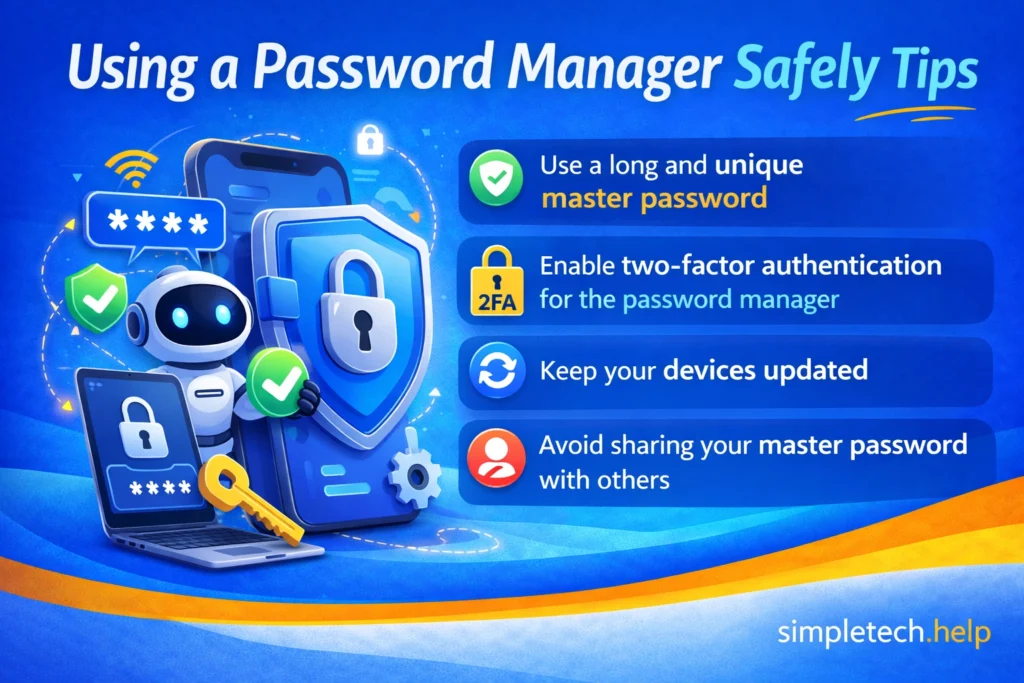
Helpful tips include:
- use a long and unique master password
- enable two-factor authentication for the password manager
- keep your devices updated
- avoid sharing your master password with others
These steps help ensure your password vault remains secure.
Conclusion
Password managers make it easier to protect your online accounts by securely storing passwords and generating strong login credentials.
Instead of reusing the same password across multiple websites, you can create unique passwords for every account while remembering only a single master password.
For many people, using a password manager is one of the simplest and most effective ways to improve online security.
Next Steps
To strengthen your account security even further, explore:
- how to create a strong password
- what two-factor authentication (2FA) is
- what to do if your email account is hacked
Understanding these security tools can help protect your accounts from many common cyber threats.
Frequently Asked Questions
Managing many passwords can feel overwhelming, and many people are unsure whether password managers are the right solution. The answers below address some common questions about how password managers work.
Do I still need to remember passwords if I use a password manager?
You usually only need to remember your master password. The password manager securely stores the rest of your passwords.
What happens if I forget my master password?
Some password managers provide recovery options, but in many cases, losing the master password may prevent access to the stored passwords. For this reason, it is important to store your master password securely.
Are browser password managers safe?
Browser password managers can be convenient, but dedicated password manager apps often offer additional security features and controls.
Should I use a different password for every account?
Yes. Using unique passwords helps prevent attackers from accessing multiple accounts if one password becomes compromised.