Last Updated on March 26, 2026 by Simple Tech Help
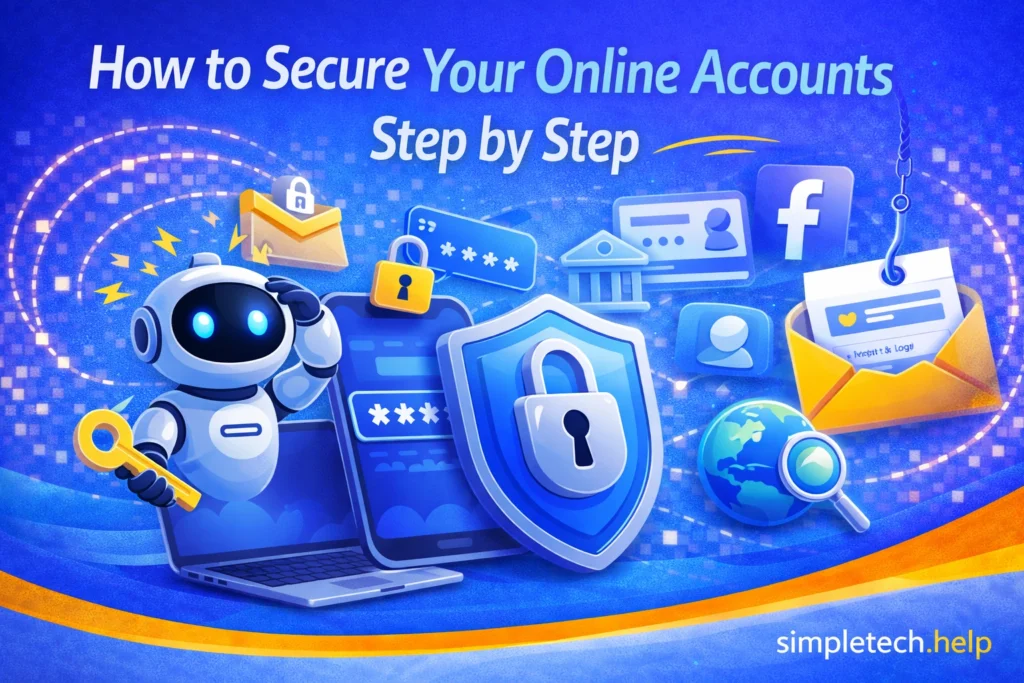
Whether it’s your email, banking app, social media, or Apple ID, the same basic security steps apply when you secure your online accounts.
If you use email, social media, banking apps, or any online service, you have accounts that need protection.
Securing your online accounts may sound complicated, but it just requires a few steps. We outline those simple steps, and you can significantly reduce the risk of someone gaining access to your personal information.
You can protect your accounts. No technical experience required.
Why Account Security Matters
The modern world is digital, and completing digital transactions via online accounts can mean getting things done faster and more easily. It also requires security.
Your online accounts contain sensitive information, including:
- Personal details
- Emails and messages
- Payment information
- Access to other accounts
If one account is compromised, it can lead to:
- Identity theft
- Unauthorized purchases
- Locked accounts
- Access to your other services
👉 That’s why securing your accounts is one of the most important things you can do online.
Myth: “I don’t have anything important, so I don’t need to worry about security.”
Reality: Even basic accounts can be used to:
- Send spam or scams
- Access other linked accounts
- Steal personal information
👉 Everyone benefits from securing their accounts.
While there is no reason to panic, the statistics show that almost 75% of adults in the United States have experienced some form of online scam in 2024. Therefore, the importance of account security cannot be overstated.
According to Pew Research, online scams that target online accounts affect users across age groups. So, no one is immune to them, but everyone can protect themselves.
Online account access has become the path hackers use to gain entry to financial accounts and digital information.
The following steps increase the security of your online account, giving you more peace of mind.
7 Steps for Securing Your Online Accounts
Securing your online accounts starts with creating strong and unique passwords.
Step 1: Create Strong, Unique Passwords
Your password is your first line of defense.
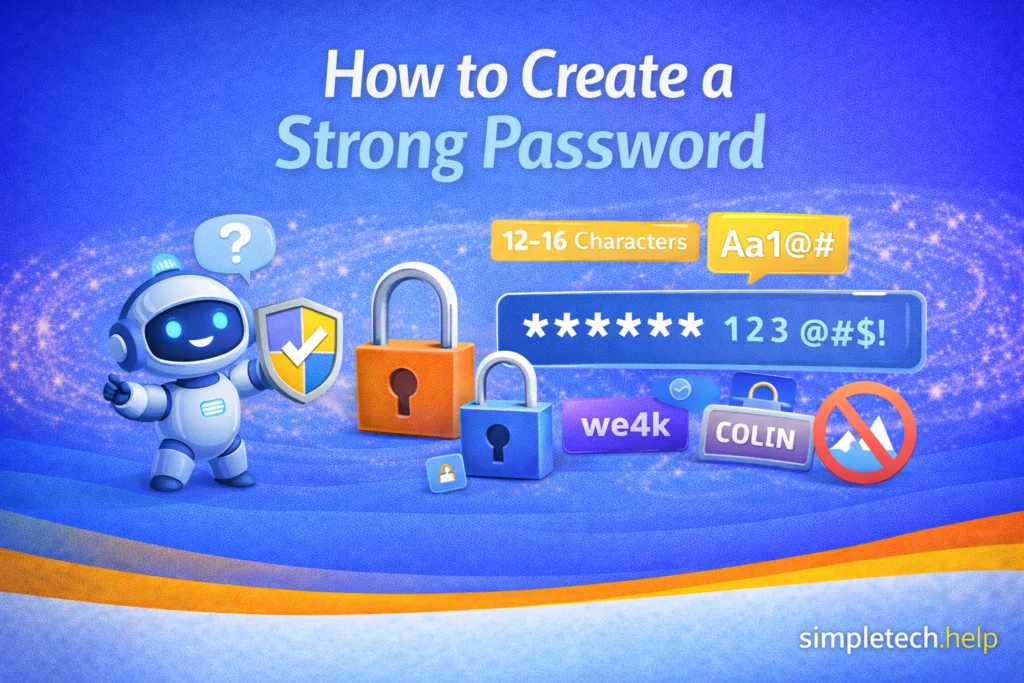
A strong password specific characteristics, such as:
- Be at least 12 characters long
- Include a mix of letters, numbers, and symbols
- Avoid common words or personal information
Just as important: 👉 Do not reuse passwords across multiple accounts. If one account is hacked, reused passwords can grant access to everything else, a practice known as credential stuffing.
Example: Your email account, such as Gmail or Outlook, should have a strong, unique password because it can be used to reset other accounts.
If remembering passwords feels overwhelming, consider using a password manager.
Mistake: Using the same password for multiple accounts
Why it’s a problem: If one account is compromised, attackers can access other accounts using the same password.
Fix: Use unique passwords for each account and store them in a password manager if needed.
Step 2: Enable Two-Factor Authentication (2FA)
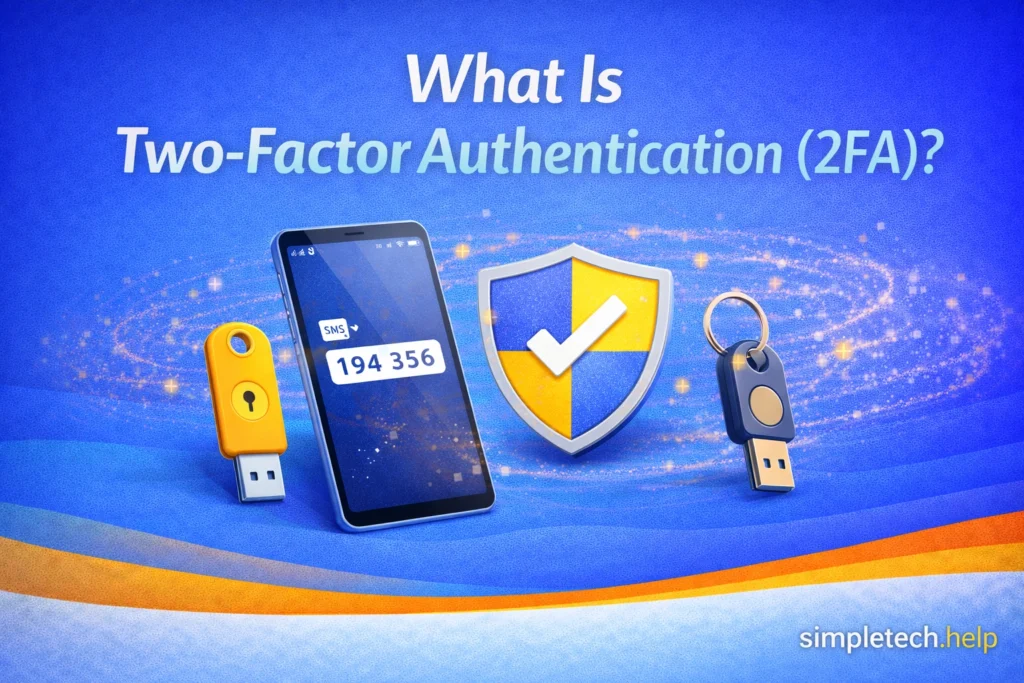
Two-factor authentication (2FA) adds an extra layer of protection. The widespread adoption of text messaging and smartphones has made it a popular authentication method.
After entering your password, you’ll also need:
- A code sent to your phone
- Or an authentication app
Even if someone gets your password, they still can’t access your account without the second step.
Example: Your banking apps often send one-time passcodes when you log in.
👉 This is one of the most effective ways to secure your accounts.
Step 3: Secure Your Email First
Your email account is the gateway to your other accounts, and people with bad intentions know it. Some people use email like chat, so emails often contain sensitive information that hackers can use to break into a person’s online accounts.
If someone gains access to your email, they can:
- Reset passwords
- Access linked accounts
- Take control of your online identity
Therefore, you must secure your email.
Example: If someone accesses your Gmail or Outlook account, they can reset your Amazon, banking, or social media passwords.
👉 Secure your email with:
- A strong password
- 2FA enabled
- Regular security checks
Even after enabling security features, such as 2FA and creating a strong password, keeping your online accounts secure requires monitoring. Most people check their email daily, so they should be able to spot odd activity.
If you check your email less frequently, such as weekly or monthly, you may not spot odd activity right away. So, just remember to check in on your inbox regularly.
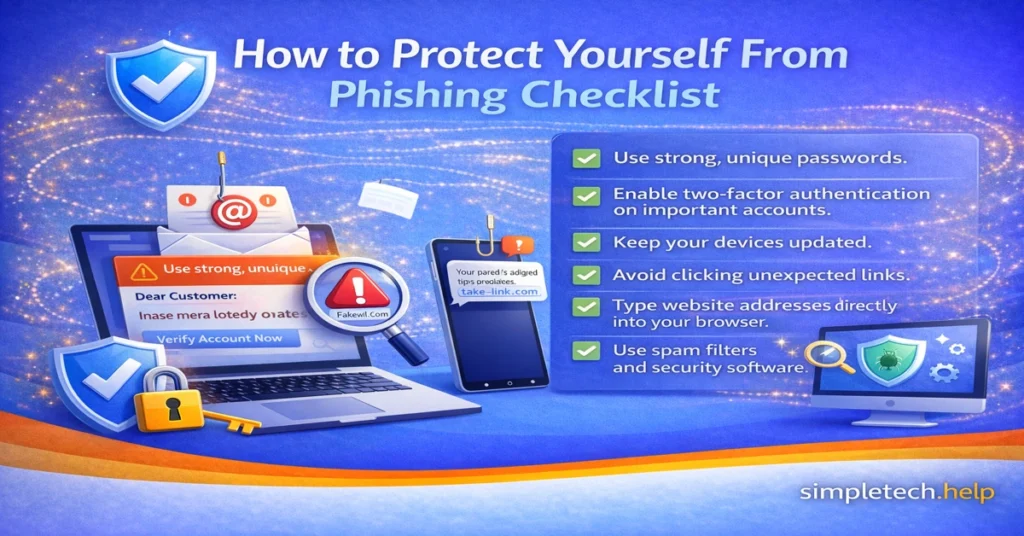
Step 4: Watch for Phishing and Fake Logins
One of the most common ways accounts get compromised is through phishing, a practice that continues expanding.
Hackers may send you:
- Fake emails asking you to log in
- Look-alike websites that steal passwords
- Messages that create urgency, such as “Your account will be locked”
Phishing refers to cyberattack scams that aim to obtain a person’s personal information, specifically financial information. If you fall for a phishing scam, you may start receiving messages from fake support representatives who aim to carry out a second-stage attack.
Example: A fake Facebook or Instagram login page that looks real but steals your password.
👉 Always check:
- The website URL
- The sender’s email address
- Whether the message feels urgent or suspicious
Part of online safety requires you to pause before clicking links or opening attachments, even if you think they were sent to you by your employer, a retailer, or a relative.
If you do click on a suspicious link, take immediate action. The same goes for a hacked email account.
Step 5: Keep Apps and Devices Updated
Outdated apps and devices can have security vulnerabilities.
Updates for apps and a device’s operating systems help them operate at optimal levels, introduce new features, and keep them secure.
As technology evolves, so do hackers. Hardware and software engineers monitor the cybersecurity landscape and release patches to prevent hackers from exploiting gaps.
As a technology user, your job is to allow the updates to install so you can remain protected.
Updates often:
- Fix bugs
- Patch security issues
- Improve protection
Example: Updating your web browser (Chrome, Safari, Edge) helps prevent malicious websites from accessing your data.
👉 Turn on automatic updates when possible.
Step 6: Use Secure Devices and Networks
Where and how you log in to the internet and your accounts, matter. Sometimes, you’ll use public Wi-Fi and devices. However, if you do not log out of them, you can compromise your accounts.
To stay safe:
- Avoid logging into sensitive accounts on public Wi-Fi
- Log out of shared or public devices
- Lock your phone and computer with a passcode
Example: Using a shared library or school computer to access your email can leave your account vulnerable if you forget to log out.
👉 Your device security is part of your account security.
Step 7: Review Your Accounts Regularly
Technology requires maintenance. It also requires users to develop good habits and adopt best practices.
Some people actively use their online accounts daily, allowing them to spot unusual activity more quickly. Others use their online accounts less frequently and may require more monitoring to ensure nothing unusual happens between check-ins.
Take a few minutes every so often to:
- Check login activity
- Remove unknown devices
- Update old passwords
- Review connected apps
👉 Small check-ins can prevent bigger problems later.
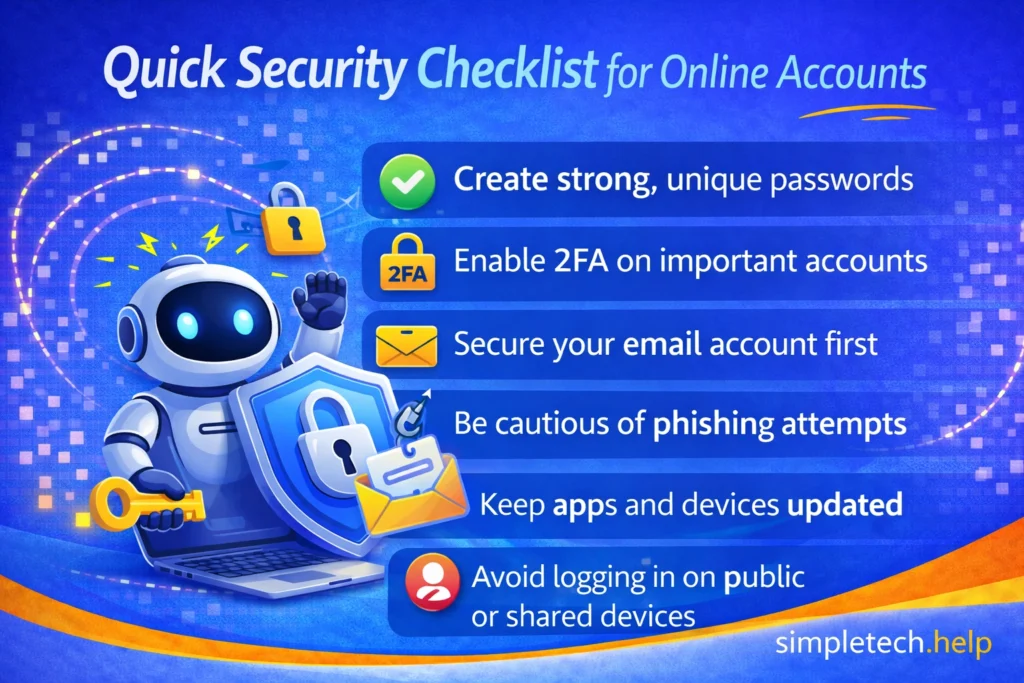
Secure Online Accounts Quick Security Checklist
If you’re not sure where to start, use this checklist to secure your online accounts:
- Create strong, unique passwords
- Enable 2FA on important accounts
- Secure your email account first
- Be cautious of phishing attempts
- Keep apps and devices updated
- Avoid logging in on public or shared devices
Learning & Next Steps
Now that you understand how to secure your online accounts, the next step is to make these habits a part of your routine.
You don’t need to do everything at once. Start with the basics, like securing your email, creating stronger passwords, and enabling two-factor authentication, and build from there.
Account security isn’t something you set up once and forget. It’s an ongoing process that becomes easier over time.
Bookmark this guide so you can return anytime you’re creating a new account, updating a password, or reviewing your security settings.
As you continue building your foundation, these guides pair well with what you’ve learned here:
- Password Managers Made Simple: Store and manage your logins securely
- Two-Factor Authentication (2FA) Explained: Add an extra layer of protection
- Phishing Email: How to Spot One Before You Click
- What to Do If Your Email Is Hacked
The more you understand your accounts, the more confident and secure you’ll feel online. And remember: security doesn’t have to be complicated—it just needs to be consistent.
Frequently Asked Questions
With a few steps, you can secure your online account and protect your personal information. Here are answers to frequently asked questions about securing online accounts.
How do I know if my account is secure?
If you use a strong password, enable 2FA, and regularly review your activity, your account is much more secure than the average account.
What is the most important step to secure an account?
Using a strong, unique password combined with two-factor authentication provides the strongest protection.
Should I use the same password if it’s strong?
No. Even strong passwords should not be reused across multiple accounts.
Is two-factor authentication really necessary?
Yes. It significantly reduces the risk of unauthorized access, even if your password is compromised.
How often should I update my passwords?
You don’t need to change them constantly, but you should update passwords if:
- There’s a security breach
- You suspect unusual activity
- The password is weak or reused