Last Updated on April 4, 2026 by Simple Tech Help
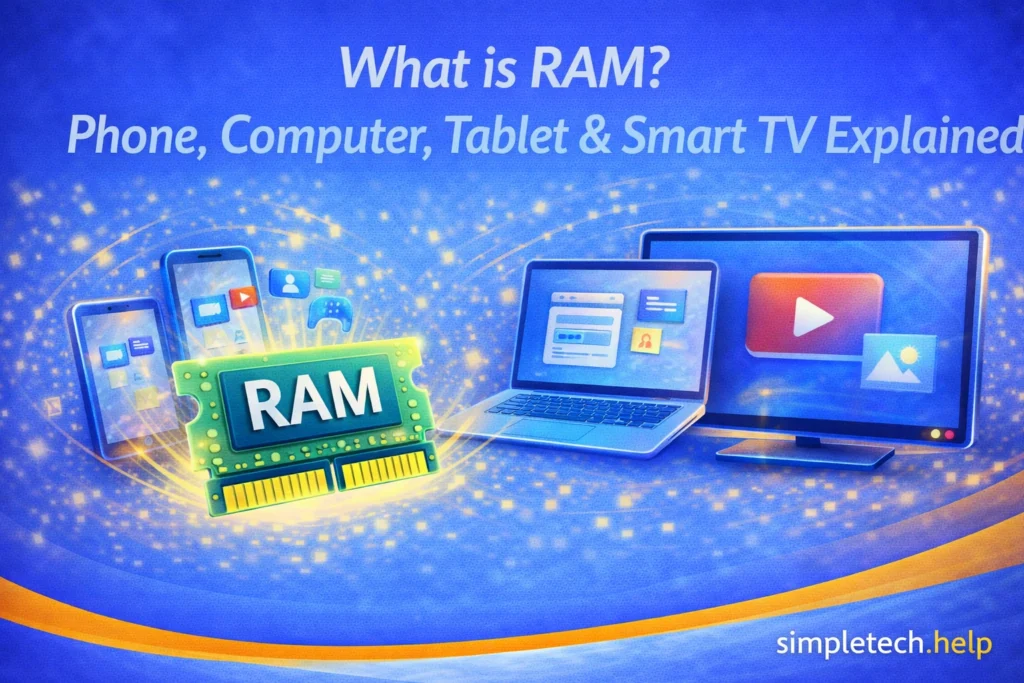
RAM, or Random Access Memory, is what your device uses to keep things running in the moment.
It stores the apps, websites, and tasks you’re actively using so they can open quickly and run smoothly. RAM applies to phones, computers, tablets, and even devices like smart TVs and streaming boxes.
Why RAM Matters
RAM affects how fast and smoothly your device feels when you’re using it.
Namely, RAM helps with:
- Faster performance. Apps open and switch more quickly.
- Better multitasking. You can have more apps or tabs open at once.
- Fewer slowdowns and crashes. Devices with low RAM may freeze or restart apps more often.
- Smoother everyday use. Browsing, streaming, and switching between tasks feels easier.
If your device feels slow or apps keep closing, limited RAM can be a factor.
What RAM Actually Does: Simple Explanation
RAM is your device’s short-term memory. It is one component that allows your devices to run without lag. RAM prevents apps from shutting down while you use them and resets when you restart your device.
Think of RAM like a desk:
- A bigger desk (more RAM) = more space to work with multiple things at once
- A smaller desk (less RAM) = you have to clear space more often
Your device constantly moves things in and out of RAM depending on what you’re doing.
Mistake: Thinking RAM and storage are the same thing.
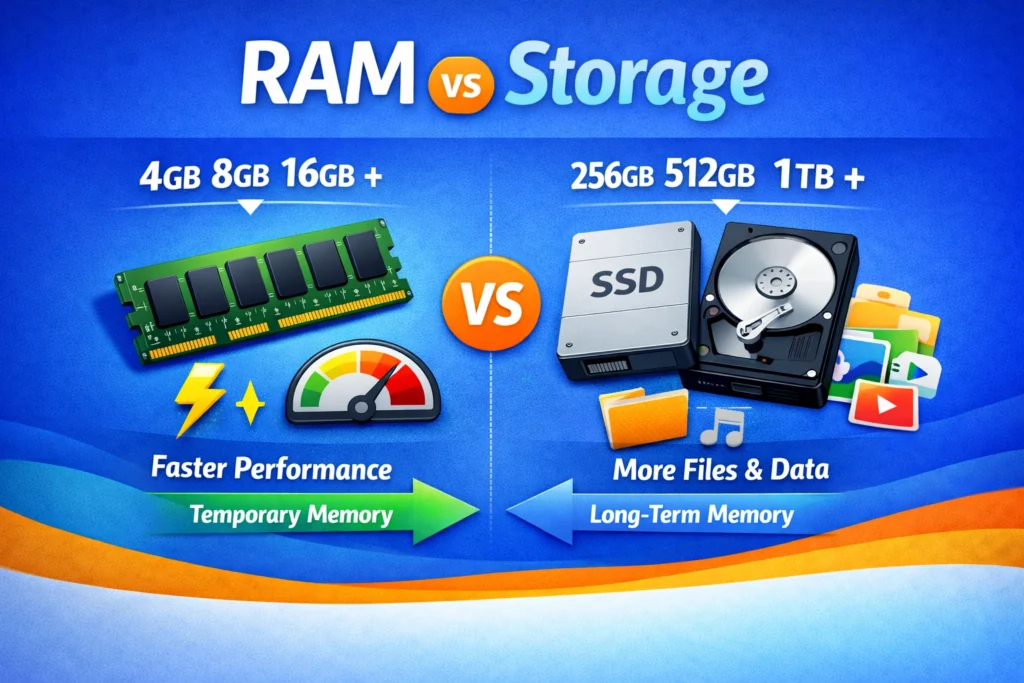
Many people confuse RAM with storage, like 64GB or 128GB. RAM is also measured in GBs, but the number that manufacturers advertise is storage.
Fix: Remember the difference:
- RAM = short-term memory (what’s running now)
- Storage = long-term memory (photos, apps, files)
Both matter, but they do different things.
How RAM Works Across Different Devices
RAM exists in most modern devices, not just computers.
On phones and tablets, RAM:
- Helps apps stay open in the background
- Affects how smoothly you switch between apps
- Low RAM can cause apps to reload frequently
RAM helps your phone and tablet run efficiently. Apps stay open without lag when you switch among them.
On computers (laptops and desktops), RAM:
- Supports multitasking (multiple apps, browser tabs, files)
- Important for tasks like video calls, editing, or gaming
- Low RAM can cause lag or freezing
For heavy users, such as content creators, video editors, gamers, and freelancers, RAM supports multitasking. It stabilizes video calls and gaming without lags or freezes.
On smart TVs and streaming devices, RAM:
- Helps apps like Netflix or YouTube run smoothly
- Affects how quickly apps open and load
- Low RAM can cause apps to crash or restart
RAM is important for streamers. When your smart TV and streaming devices have enough RAM, you have a smooth viewing experience. You can also switch between apps seamlessly.
How Much RAM Do You Need?
Like storage and internet speed, the amount of RAM that you need depends on your usage. When buying tech, understanding specs, such as RAM, helps you purchase a device with features you actually need.
You don’t need to memorize numbers, just use simple guidelines:
Light use, such as basic tasks:
- Email, browsing, streaming
- Phones/tablets: 4–6 GB
- Computers: 8 GB
If you only use your devices to check your email, surf the internet, or stream the occasional show episode or movie, you have low RAM needs.
Moderate use, such as everyday multitasking:
- Multiple apps, video calls, light editing
- Phones/tablets: 6–8 GB
- Computers: 8–16 GB
Moderate users who multitask on their devices need more RAM than light users. Otherwise, the device will lag, apps will close, and video calls will drop.
Heavy use, such as advanced tasks:
- Gaming, editing, and opening many apps at once
- Phones/tablets: 8+ GB
- Computers: 16+ GB
Heavy users include gamers, content creators, and freelancers. Each one needs more RAM than moderate users because they demand more from their devices. For example, video editing can require up to 16GB of RAM.
For most people, moderate use is enough.
Myth: “More RAM always makes your device faster.”
Reality: More RAM helps with multitasking, but it doesn’t automatically make everything faster.
Other factors, like the processor and software, also matter.
If Your Device Feels Slow
Low RAM isn’t always the only cause of a slow device, but it can contribute to it.
Troubleshoot the device by following these steps:
- Close unused apps or tabs
- Restart your device
- Update your apps and system
- Free up storage space
If you have not restarted your device for a few days, restarting it ends processes, closes apps, and helps updates finish installing. By restarting it, you also reset the RAM, which can be clogged by open apps and running system files.
Next, restart the device and test it by opening the apps, documents, or files that were running slowly.
How to Prevent RAM Problems
Smartphones, tablets, and streaming devices have a preset amount of RAM that you cannot customize or upgrade after your purchase.
However, you can customize the amount of RAM for computers and laptops.
You can prevent RAM problems by:
- Choose enough RAM for your needs when buying a device
- Avoid running too many apps at once
- Restart your device regularly
- Keep apps and software updated
These habits help your device run more smoothly over time.
If you find that your smartphone or tablet runs out of RAM quickly, you may need a different model. You may also need to work on those tasks on a computer or laptop instead, since both are more powerful.
Quick Summary
- RAM helps your device run apps and tasks smoothly
- More RAM improves multitasking and reduces slowdowns
- It’s different from storage
- Phones, computers, tablets, and TVs all use RAM
- Choose RAM based on how you use your device
Learning & Next Steps
Now that you understand what RAM does, the next step is to use that knowledge when choosing or troubleshooting a device.
You don’t need to memorize technical details. Just remember that RAM affects how smoothly your device handles multiple tasks at once. If your device feels slow or apps keep restarting, RAM may be part of the reason.
Bookmark this guide so you can return when comparing devices or trying to understand performance issues. Knowing what RAM does can make it much easier to choose the right device without overpaying.
As you continue building your tech foundation, these guides pair well with what you’ve learned here:
- How Much Storage Do I Need?: Choose the right amount of space for your files and apps
- Why Is My Phone So Slow?: Common causes of slow performance
- Crashing Apps: What to do when apps freeze or close unexpectedly
- Troubleshooting Tech when Nothing Works: The basics of troubleshooting your tech.
- Online Safety: The basics of staying safe online.
The more you understand how your device works, the easier it becomes to make smart decisions.
And remember: You don’t need the most powerful device. You just need one that fits your use.
Frequently Asked Questions
Understanding how RAM affects your devices makes it easier to pick the right amount when you purchase them. Sometimes you need to customize a laptop or computer and add more. Other times, you can pick from the standard amounts offered by manufacturers.
The following are some frequently asked questions about RAM, along with answers.
Does More RAM Make My Phone Faster?
More RAM can help, especially if you use many apps at once. But it’s not the only factor.
Can I Add More RAM to My Device Later?
Most phones, tablets, and smart devices cannot be upgraded. Some computers can. Before buying a device, it’s better to know your RAM needs so you can pick the right amount.
Why Do Apps Keep Restarting on My Phone?
Apps may keep restarting on your phone when your device runs out of RAM and needs to free space.
Is RAM Important for Streaming on TVs?
Yes, but most modern TVs and streaming devices already have enough for basic use.
Should I Always Buy the Device with the Most RAM?
Not necessarily. Choose based on how you use your device. More RAM isn’t always needed.