Last Updated on March 26, 2026 by Simple Tech Help
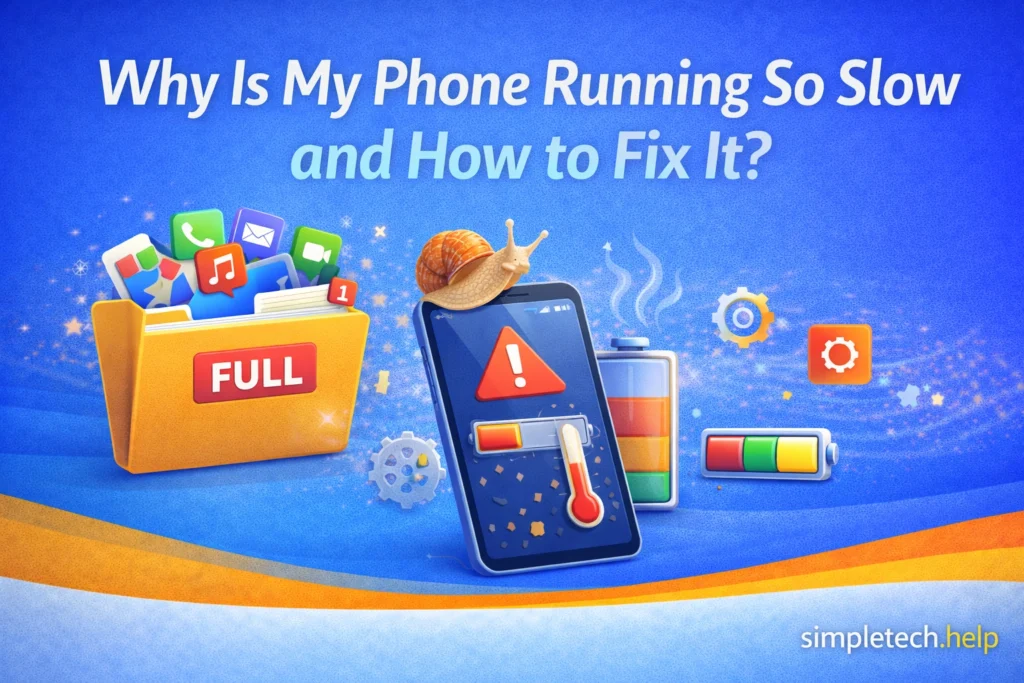
Smartphones naturally slow down over time, but a sluggish phone is usually due to fixable issues rather than permanent hardware failure.
If your phone takes longer to open apps, lags when scrolling, or freezes during simple tasks, the issue is often related to storage, background apps, software updates, or device settings.
The good news: most slow phone problems can be solved in just a few minutes of basic troubleshooting.
This guide explains the most common reasons phones slow down and the simple steps you can take to fix them.
Common Causes of Slow-Running Phones
Even though it’s frustrating, you can easily fix most causes of slow-running phones. We’ll walk you through a checklist that helps you determine whether the cause is more severe.
Moreover, the checklist allows you to learn more about your device so you can troubleshoot other issues.
1. Too Many Apps Running in the Background
Modern phones let apps stay active even when you’re not using them. While this helps with notifications and multitasking, too many background apps can slow your phone down.
Background apps use:
- memory (RAM)
- processing power
- battery
Memory or RAM refers to the phone’s short-term working memory, and each device has a specific amount. If you hit the maximum, the phone will struggle to continue processing apps.
Processing power allows your phone to execute task. If it becomes clogged, the phone will not run apps or handle tasks effectively.
The battery keeps your phone powered on, and it’s essential to maintain its lifespan.
How to Fix It
When too many apps running in the background has affected your phone’s performance, take the following steps:
- Close apps you’re not using.
- Limit apps that refresh in the background.
- Restart your phone to clear temporary processes.
You don’t need to constantly close apps, but clearing them occasionally can help restore speed.
If your phone is cluttered with apps, building a digital app stack can uncluter it.
2. Your Storage Is Nearly Full
Low storage is one of the most common causes of a slow phone.
Your device needs free space to store temporary files, updates, and app data. When storage gets close to full, the operating system struggles to manage files efficiently.
Signs Storage Is the Problem
- Apps open slowly
- Photos take longer to save
- Updates fail to install
- System warnings about low storage
Moreover, you can navigate to the phone’s settings and check how much storage it has available.
How to Fix It
If you discover that storage is the issue, you’ll need to take some steps to free up space.
Free up space by:
- Deleting unused apps
- Removing duplicate photos
- Clearing large videos
- Offloading files to cloud storage
Removing duplicate photos might require a time commitment, but deleting unused apps, clearing large videos, and offloading files to cloud storage should only take a few minutes.
As a general rule, try to keep at least 10% of your storage free. When your phone storage is full, you can make room without deleting everything.
If you struggle with freeing up storage, when you buy a new phone, prioritize it.
3. Your Phone Hasn’t Been Restarted Recently
Phones run many processes in the background. Over time, these processes can accumulate, causing performance issues.
Restarting your device clears temporary memory and refreshes the system.
How to Fix It
Restart your phone at least once a week.
It’s one of the simplest ways to improve performance.
4. Outdated Software
Software updates often include performance improvements, bug fixes, and security patches. Developers release them to fix known issues to release new features.
When you do not install the updates, your software becomes outdated and stops operating at an optimal level.
If your phone is running an older version of the operating system, it may not work efficiently with newer apps.
How to Fix It
Check for updates in your phone’s settings and install the latest update.
You can also visit your phone’s app store to find out if any of the ones installed on your apps require updating.
In some cases, the app will notify you that it needs to update when you open it.
Keeping both apps and system software up to date helps maintain smooth performance.
5. Too Many Widgets or Home Screen Features
Widgets, live wallpapers, and dynamic home screens can look great, but they also require constant processing.
Common widgets that smartphone users install on their phones are weather, calendar, clock, and battery, which display the pertinent information on your home screen. Since they are constantly updating, they are using processing power and battery.
Even though a smartphone is a mni version of a computer, it can’t always act like a computer.
However, too many of features, even though they are available to you, may slow down older or mid-range devices.
How to Fix It
Simplify your home screen by:
- Removing unnecessary widgets
- Using a static wallpaper
- Limiting live data displays
A cleaner home screen often improves responsiveness.
6. An App Is Misbehaving
Sometimes a single app is responsible for slow performance. An app can fail to install properly, require an update, or consume too much RAM.
Problematic apps may:
- crash frequently
- use excessive background activity
- consume large amounts of battery
If you do not plan to use the problematic app frequently, delete it. However, if you plan to use the app, there are steps you can take to resolve the issue.
How to Fix It
When an app you plan to use misbehaves, your goal is to find out why
Try the following:
- Update the app
- Restart your phone
- Clear the app’s cache
- Reinstall the app
If the issue persists, consider removing the misbehaving or crashing app entirely. Otherwise, you can reach out to the developer, especially if it is a well-known app.
7. Your Phone Is Overheating
Heat can slow down phones because the processor automatically reduces performance to prevent damage.
Thermal throttling, a protective feature, causes the CPU to run more slowly, giving the phone time to cool down. Otherwise, overheating can permanently damage the battery and processor.
Common causes of an overheating phone include:
- gaming for long periods
- charging while using heavy apps
- hot environments
- poorly optimized apps
Each one has easy fixes.
How to Fix It
Allow your phone to cool down before restarting activities that will pull a lot of energy from the battery and processor, such as gaming for long periods.
Avoid intensive tasks while charging. Instead, pick one or the other. For example, if you plan to use social media or GPS, charge the device beforehand.
When the outdoor or indoor temperatures rise and the phone becomes hot, removing bulky phone cases during heavy use may help with ventilation. When possible, turn on the air conditioning to help the environment and phone to cool down.
Here are additional ways to troubleshoot an overheating phone.
Bonus: Your Phone Is Several Years Old
For some people, change is hard. But eventually, you must replace your tech if it is several years old.
As phones age, performance may decline due to:
- older processors
- reduced battery efficiency
- increased software demands
Newer apps and operating systems are designed for modern hardware, which can make older phones feel slower. That’s why you must install updates as they become available. They help optimize the devices while improving their security.
Some phone models have survived the test of time. Apparently, Taylor Swift still owned an iPhone 13 Pro Max in 2025. Others keep their iPhones for 2.5 years and their Androids for up to 3 years.
Once your phone can no longer keep your favorite apps open, keep its charge, or run processes in a timely manner, it’s a sign that it’s time for a replacement.
What You Can Do
If you’re not ready to replace your phone, you can try to extend the life of your device by:
- reducing background apps
- freeing storage regularly
- replacing the battery if needed
Many phones remain usable for three to five years with proper maintenance.
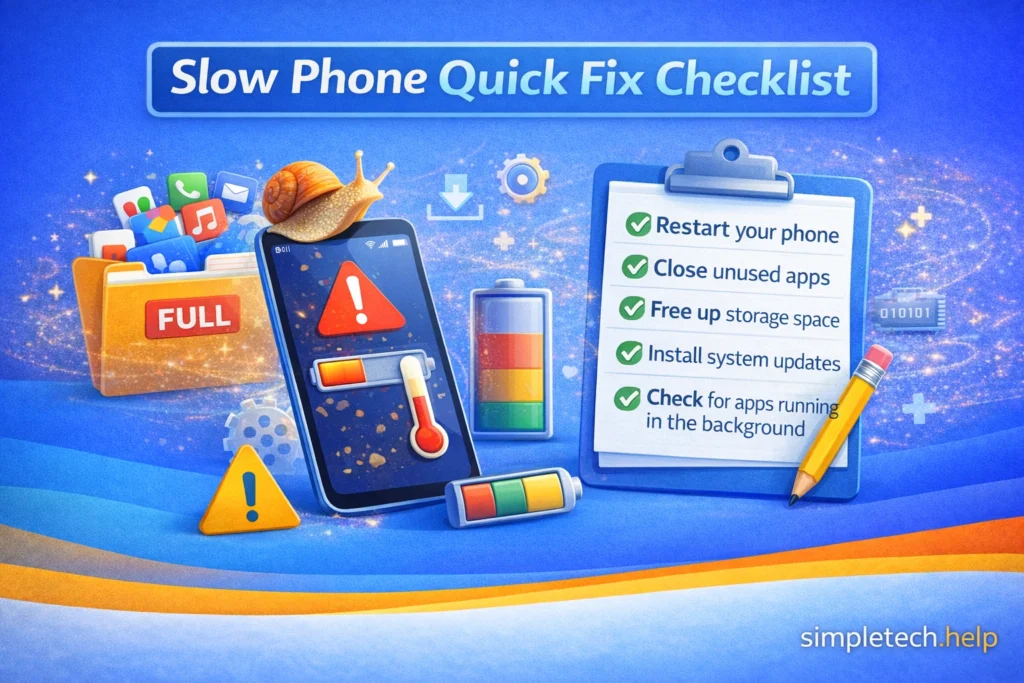
Quick Fix Checklist
If your phone suddenly feels slow, try these quick fixes first.
- Restart your phone
- Close unused apps
- Free up storage space
- Install system updates
- Check for apps running in the background
In many cases, one of these steps will restore normal performance.
When a Slow Phone Might Indicate a Bigger Problem
While it’s easy to fix several causes of slow-running phones, there are times when the poor performance signals that something more severe is occurring.
Occasionally, performance issues can be caused by more serious problems, such as:
- malware or malicious apps
- corrupted system files
- hardware failure
If your phone remains slow after basic troubleshooting, start by running a security scan.
Running a security scan will help the software detect if you accidentally installed malware on the device or if any of the apps are malicious. Then you can uninstall them and clean up the device.
Resetting the device returns it to factory settings. You can also only reset the settings, which keeps your files.
In the worst case scenario, consulting a repair professional will reveal the next steps.
Good Habits That Keep Phones Running Fast
Your phone is a mini-computer, and all tech devices require maintenance and upkeep.
Taking care of your phone is the best way to help it reach its maximum lifespan. Good care requires good habits.
You can prevent slowdowns by following a few simple steps.
Keep Storage Organized
Delete unused apps and files regularly. If you’re not using them, they could become a liability. In the meantime, they are taking up space that could help your phone run more optimally.
Restart Your Phone Weekly
You do not need to restart your phone every day, but you should restart it at least once a week. Restarting the phone clears background processes. Restart also refreshes the device.
Install Updates Promptly
Updates improve performance and security.
Limit Unnecessary Apps
Too many apps increase background activity. Limit the number of apps you install that you do not intend to use frequently. They will clutter your phone and negatively affect its performance.
Monitor Battery Health
Your phone’s batteries will reach the point when they can no longer hold a high percentage charge. Old batteries can reduce device performance.
You can optimize the battery to improve performance by lowering brightness, enabling power-saving mode, and turning off background app updates.
Small maintenance habits can make a big difference over time.
You can also learn the basics of troubleshooting when it seems like nothing works to fix your devices.
Learning & Next Steps
Now that you understand why your phone may be running slow, the next step is to identify what’s causing the slowdown and fix it step by step.
Slow performance is usually not caused by a single factor. It’s often a combination of factors, such as too many apps, low storage, background activity, or outdated software. The key is not to fix everything at once, but to focus on the most likely cause first.
Start with simple habits:
- Restart your phone regularly
- Close unused apps
- Keep enough free storage available
- Update your apps and system
These small actions can make a noticeable difference over time.
Bookmark this guide so you can return anytime your phone feels slow. Performance issues are common, and knowing what to check can save time and frustration.
As you continue troubleshooting, these guides can help you go further:
Fix related issues
- Phone Storage Full: Clear space without deleting everything
- Crashing Apps: Troubleshoot apps that keep crashing
Build your foundation
- Online Safety: How to stay safe online
- Account Security: How to secure your online accounts
The more you understand how your phone uses storage, apps, and memory, the easier it becomes to keep it running smoothly. And remember: a slow phone doesn’t mean it’s broken—you just need to know where to look.