Last Updated on March 23, 2026 by Simple Tech Help
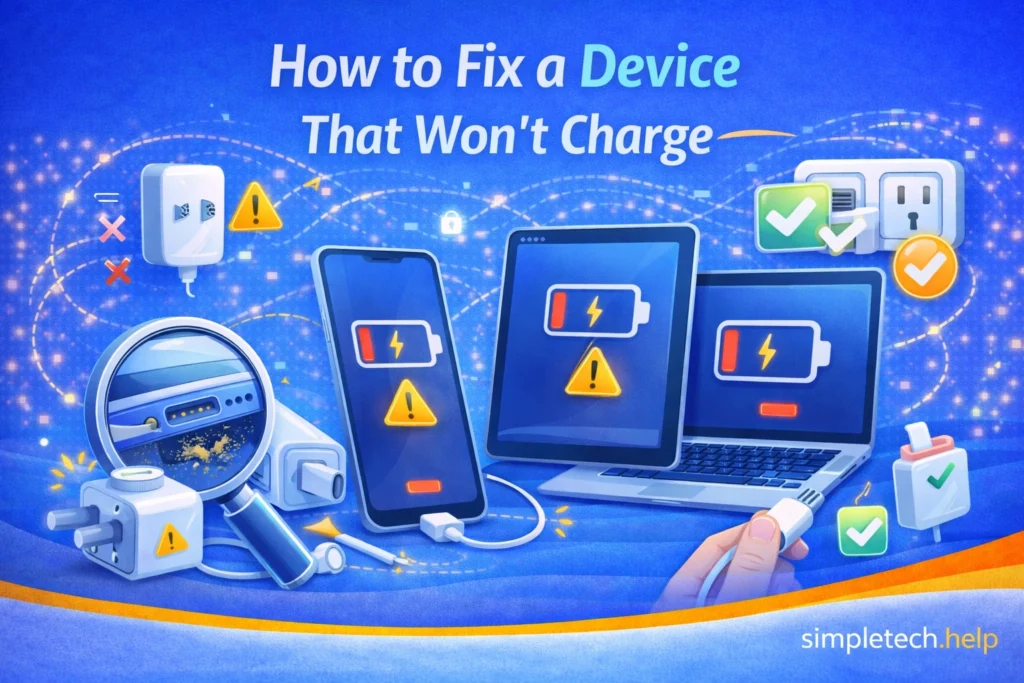
If your phone, tablet, or other device will not charge, the problem can be frustrating and concerning. In many cases, however, the issue is caused by a simple problem such as a damaged cable, dust in the charging port, or a faulty power source.
This is a common issue and is usually easy to fix.
Quick checks before you start
If your device won’t charge, try these first:
- Try a different cable
- Try a different power outlet
- Check the charging port for debris
- Restart the device
These quick steps solve many charging problems in minutes.
Before assuming your device is broken, check a few common causes. Many charging problems can be resolved quickly with basic troubleshooting steps.
Common Reasons a Device Won’t Charge
Several issues can prevent a device from charging properly.
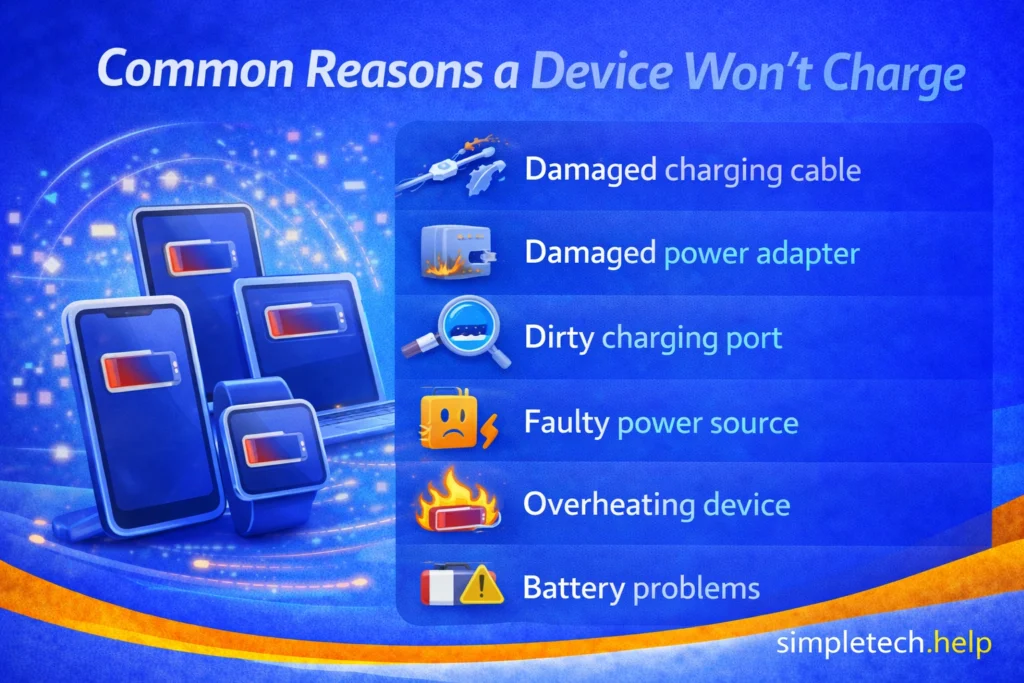
Some of the most common causes include:
- a damaged charging cable
- a faulty power adapter
- debris inside the charging port
- a worn battery
- software problems
- overheating protection
Identifying the cause can help determine the best way to fix the issue. Let’s look at the common causes in more detail.
Check the Charging Cable
Charging cables are among the most common causes of charging issues.
Over time, cables can become damaged from bending, twisting, or regular wear.
Signs of a damaged cable may include:
- frayed or exposed wires
- loose connectors
- inconsistent charging
Try using a different charging cable to see if the problem is resolved.
If the device begins charging normally with a new cable, the original cable may need to be replaced.
Check the Power Adapter
The power adapter that plugs into the wall can also fail.
If the adapter stops working, the device will not receive power even if the cable is connected correctly.
To test this:
- try a different wall adapter
- plug the adapter into a different outlet
- try charging from another power source
Sometimes the issue may be as simple as a faulty outlet.
Inspect the Charging Port
Dust, lint, or debris inside the charging port can block the connection between the cable and the device.
This problem is especially common for smartphones carried in pockets or bags.
If debris is visible inside the charging port, carefully remove it using:
- a wooden toothpick
- a soft brush
- compressed air
Avoid using metal objects that could damage the port.
With the correct tools, you may find that cleaning the port can often restore normal charging.
If the charging port feels loose or the cable does not stay connected, the port may be damaged and require repair, which could be why your phone is not charging.
Mistake: Continuing to force a charger into the port when the device will not charge.
How to fix it: If the cable does not fit easily, check the charging port for debris or damage before trying again. Forcing the connector can damage both the cable and the device.
Try a Different Power Source
Sometimes the problem is not the device but the power source.
Charging through a computer USB port or a low-power charger may not provide enough electricity.
Try charging the device using:
- a wall outlet
- a different charging brick
- another USB port
If the device begins charging normally, the original power source may not be supplying enough power.
Restart the Device
Occasionally, a software issue may interfere with charging.
Restarting the device can reset background processes that may be causing the problem.
To do this:
- Turn the device off.
- Wait a few seconds.
- Turn it back on.
After restarting, connect the charger again and see if the device begins charging.
Check for Overheating
Some devices temporarily stop charging if they become too hot.
This safety feature helps prevent damage to the battery.
If your device feels warm:
- disconnect the charger
- allow the device to cool down
- avoid placing it in direct sunlight
Once the device cools, charging may resume normally.
If you’ve noticed your phone overheating more often, find out why.
Check for Battery Problems
All rechargeable batteries eventually wear out.
If a device is several years old, the battery may no longer hold a charge effectively.
Signs of a worn battery include:
- charging very slowly
- battery percentage dropping quickly
- device shutting down unexpectedly
In these cases, replacing the battery may restore normal performance. If it’s time to buy a new device, our buying tech guide gives you an overview of important tech specs to consider.
Myth: If a device will not charge, the battery is always dead.
Reality: Many charging issues stem from cables, adapters, or debris in the charging port. These issues can often be fixed without replacing the battery.
Examples of Devices That May Not Charge
Let’s apply why devices won’t charge and how to fix them to real-life examples.
Example: Phone Won’t Charge
For example, if your phone won’t charge, the problem is often caused by a worn charging cable or debris inside the charging port. Phones are frequently carried in pockets or bags, which makes it easy for lint and dust to collect inside the port.
Cleaning the port or trying a different cable often resolves the issue.
Example: Laptop Won’t Charge
If your laptop won’t charge, the problem may involve the power adapter or battery. Laptop chargers can become damaged over time, especially if the cable is bent or tightly wrapped.
Trying a different charger or checking the power outlet can help determine whether the adapter is the issue.
Example: Tablet Won’t Charge
When a tablet won’t charge, the cause is often similar to phone charging problems. Tablets may stop charging if the cable connection is loose, the charging port is clogged with debris, or the power source is insufficient.
Using a different charging cable or power adapter can help identify the source of the problem.
Example: Wireless Earbuds Won’t Charge
If wireless earbuds won’t charge, the problem may be with the charging case rather than the earbuds. Dirt or debris on the charging contacts can prevent the earbuds from connecting to the charging pins inside the case.
Gently cleaning the contacts with a soft cloth can sometimes restore charging.
Example: Smartwatch Won’t Charge
When a smartwatch won’t charge, the issue is often due to a faulty magnetic charging cable or damaged charging contacts on the back of the watch. If the contacts become dirty or misaligned, the charger may not connect properly.
Cleaning the contacts and repositioning the charger may fix the issue.
Device Says “Charging” but Battery isn’t Increasing
Sometimes a device shows it’s charging, but the battery percentage doesn’t increase.
This can happen when:
- The charger is too weak
- A background app is using too much power
- The battery is worn out
Your phone is trying to charge, but it can’t keep up with the charge or hold it.
What to do:
- Use a wall charger instead of a computer USB port
- Close unused apps
- Let the device charge without using it
An aged battery will have a hard time charging to full capacity and holding it. If the troubleshooting steps do not work, it means you may need to replace the battery or the device.
In some cases, buying a refurbished device makes sense in the short-term.
When to Seek Professional Repair
If you have tried several troubleshooting steps and the device still will not charge, the problem may involve internal hardware.
Possible issues include:
- a damaged charging port
- internal battery failure
- motherboard problems
A professional technician may be able to diagnose and repair the issue. If they cannot, they can provide you guidance on the next steps, such as replacing the device.
Learning and Next Steps
If your device won’t charge, the cause is often something simple, like a damaged cable, a blocked charging port, or a weak power source. Taking a few minutes to check these common issues can often solve the problem quickly.
If your device still isn’t charging after trying these steps, the issue may be related to the battery or internal hardware. In that case, you can decide whether it’s worth repairing or replacing the device.
Bookmark this guide so you can return anytime your device has charging issues. Problems like this are common, and knowing what to check can save time, money, and frustration.
As you continue troubleshooting your device, these guides can help:
- Why Is My Phone Overheating?: Learn how heat can affect charging and performance
- Phone Battery Draining Fast: Understand how battery health impacts charging
- Why Is My Phone So Slow?: See how performance issues can be connected
- Troubleshooting Framework: Follow a step-by-step process to fix almost any tech problem
The more you understand how your device works, the easier it becomes to recognize issues early. And remember: most charging problems aren’t serious—you just need to know where to look.
Frequently Asked Questions
Charging problems can happen for many different reasons. The questions below address some common concerns about devices that stop charging.
Why is my device plugged in but not charging?
This can happen if the charging cable is damaged, the port is dirty, or the power adapter is not supplying enough electricity.
Why is my phone charging slowly?
Slow charging can be caused by a weak power source, a damaged cable, background apps, or an aging battery.
Can a dirty charging port stop a device from charging?
Yes. Dust and debris can block the connection between the cable and the charging port, preventing the device from charging properly.
Is it safe to clean a charging port?
Yes, but it should be done carefully using non-metal tools such as a wooden toothpick or compressed air.
When should I replace my battery?
If your device is several years old and the battery drains quickly or fails to charge properly, it may be time to replace the battery.