Last Updated on March 22, 2026 by Simple Tech Help
An overheating phone requires attention, but don’t panic right away.
If your phone feels unusually hot, it can be concerning. While it’s normal for phones to warm up during use, overheating is a sign that something may not be working properly.
In most cases, an overheating phone is caused by heavy usage, background activity, or environmental factors, and each one has an easy fix.
Why Phones Overheat
Smartphones generate heat as they work. Activities like streaming video, using GPS, or playing games require processing power, which produces heat.
Your phone is designed to manage this heat, but when it builds up faster than it can be released, the device may become too hot.
When a phone starts overheating, you should be at least a little concerned because it can lead to:
- slower performance
- battery drain
- apps crashing
- temporary shutdowns
Here’s a look at the common causes of a phone overheating in more detail.
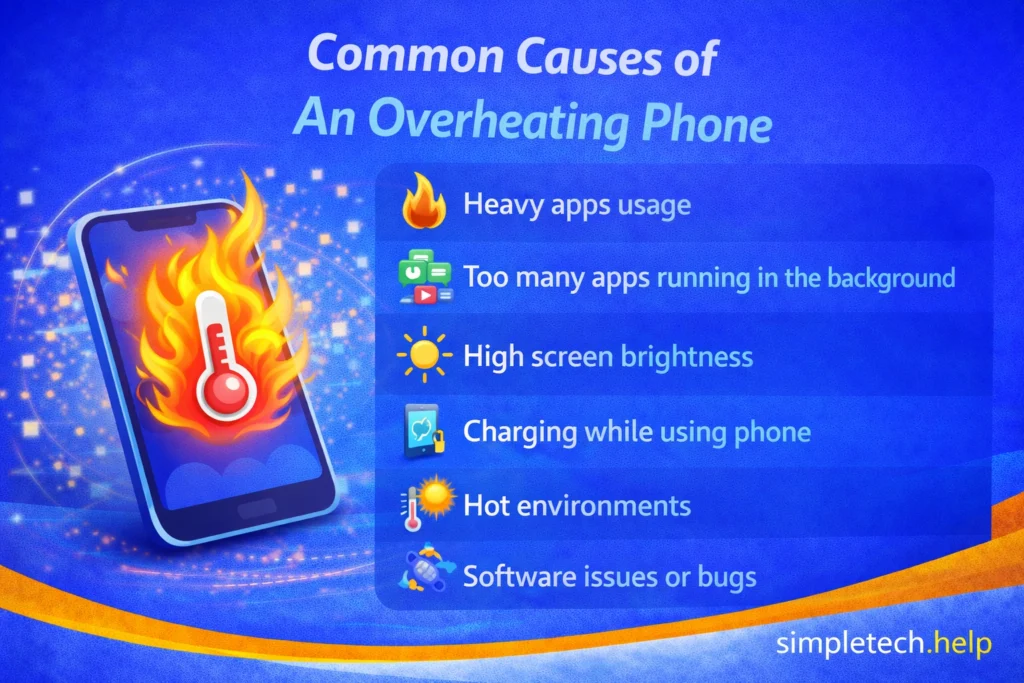
Common Causes of Phone Overheating
Understanding the cause of a phone overheating is the first step to fixing the problem.
Heavy App Usage
Running demanding apps, such as games, video streaming, or navigation, can push your phone’s processor and generate excess heat.
If you’re using Wi-Fi to stream episodes of shows or movies, the combination will heat up your phone.
Additionally, gamers who enjoy mobile games with high-quality graphics, 3D, or fast-paced action stories will experience overheating devices.
Too Many Apps Running in the Background
Even if you’re not actively using them, apps running in the background can consume resources and increase temperature.
The average user downloads and installs several apps but only interacts with a few. They also open several apps and leave them open.
A phone cluttered with apps can overheat because they can continue to run in the background, especially when they update in the background.
High Screen Brightness
Keeping your screen at maximum brightness for extended periods can cause overheating, especially in outdoor conditions.
Some apps automatically increase your phone’s brightness when you open them, especially in retail environments. These apps raise the brightness so cashiers can scan barcodes to access your loyalty or so you can pay for purchases. When you finish the transaction, close the app so it will lower the brightness.
Charging While Using the Phone
Using your phone while it charges, especially for gaming or streaming, can cause it to heat up quickly.
It happens. Your phone’s battery drains more quickly than you anticipated, so you plug it in, but need to finish your text message, show, movie, or social media post.
However, the heat from charging the phone and from using it will cause it to heat more than necessary.
Poor Signal or Constant Searching for Connection
If your phone struggles to connect to Wi-Fi or mobile data, it may continuously search for a signal, which uses more power and generates heat.
While it may be inconvenient, if your device cannot connect to the internet, you may need to let it rest and check whether the signal itself is bad.
For example, your Wi-Fi may be slow, or your device may connect to the internet but not work.
Hot Environments
Leaving your phone in direct sunlight, a hot car, or warm surroundings can quickly raise its temperature.
Technology hardware is sensitive to warm environments. That’s why data centers require cooling mechanisms. Leaving your phone in hot environments will cause it to overheat, especially if there are apps running in the background and it’s trying to connect to a poor signal.
Software Issues or Bugs
Outdated apps or system software can cause inefficiencies that lead to overheating.
Outdated apps and software make the device work harder because it is trying to keep up with new technology.
How to Fix an Overheating Phone
With a better understanding of common reasons why phones overheat, you’re ready to troubleshoot your device. Most overheating issues can be resolved with a few simple steps.
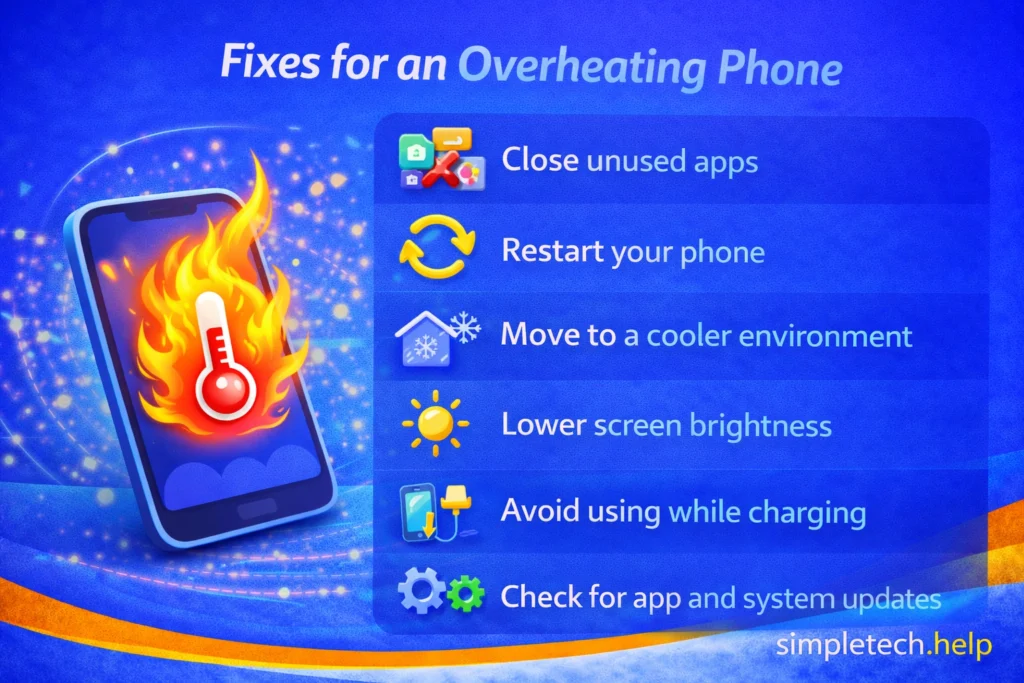
Close Unused Apps
Shut down apps running in the background to reduce strain on your phone’s processor.
Keeping apps open lets them cache information and load faster the next time you use them. But having too many apps open bogs down your phone, causing it to overheat, because they’re running in the background, sometimes simultaneously.
You can easily unclutter your phone by building a digital app stack and preventing it from overheating.
Restart Your Phone
Restarting clears temporary processes that may be causing your phone to work harder than it needs to.
Many tech professionals use restarting a device as their go-to for fixing common issues, including overheating phones.
Restarting your phone helps clear the cache and any glitches, such as a malfunctioning app, that could cause it to overheat.
Move to a Cooler Environment
If your phone is hot due to external temperature, move it to a shaded or cooler area and let it cool down naturally before using it again.
Avoid placing it on soft surfaces, especially when charging it. Instead, place it on a hard surface or a stand that allows it to ventilate.
Remove the Case (Temporarily)
Some phone cases trap heat. Removing the case can help your phone release heat more effectively.
Lower Screen Brightness
Reducing brightness decreases power usage and heat generation.
If you need the brightness on higher levels to read the screen better, you have other options. For example, you can enable Dark Mode.
Avoid Using Your Phone While Charging
Let your phone charge without heavy use to prevent additional heat buildup.
It’s tempting to continue your activities while the phone charges, but you are contributing to the overheating. Instead, let your phone charge for several minutes. A two-year-old phone takes one to one and a half hours to fully charge.
How quickly your phone fully charges also depends on the charger you use. New chargers charge phones faster than older ones.
If you notice your phone battery draining quickly, you can troubleshoot it.
Check for App and System Updates
Updates often fix bugs that can cause overheating.
Apps and software developers release updates for various reasons. Sometimes, they are aware that the latest version is causing users issues, such as overheating their phones.
Keeping up with updates helps your phone run better and keeps it more secure.
What to Do if Other Devices Are Overheating
Overheating isn’t limited to phones. Tablets, computers, and even smart TVs or streaming devices can get too hot for similar reasons.
The good news: the causes and fixes are often the same.
Tablets
Tablets work similarly to phones, so overheating usually comes from:
- Heavy app usage (streaming, gaming)
- Too many apps running
- High brightness
- Charging while in use
Since phones and tablets share similar causes of overheating, they have similar fixes.
What to do:
- Close unused apps
- Lower brightness
- Avoid using while charging
- Let the device cool down before continuing
Many users treat their smartphones as communication devices and their tablets as leisure devices. They use their smartphones for micro-activities, such as making phone calls and checking email, and their tablets for streaming.
So, keep in mind how you use your tablet when troubleshooting why it’s overheating.
Laptops and Desktop Computers
Computers generate more heat because they have more powerful components. Many people use their computers and laptops for creativity, school, and business purposes, which require more computing power.
Common causes of overheating laptops and desktops include:
- Running too many programs at once
- Dust buildup blocking airflow
- Poor ventilation (used on beds, couches, or enclosed spaces)
- High-performance tasks like video editing or gaming
Like smartphones, avoid placing laptops and computers on soft surfaces, especially when charging them.
What to do:
- Close unused programs or browser tabs
- Restart the computer
- Use on a hard, flat surface
- Make sure vents aren’t blocked
- Clean dust from vents if possible
If your computer frequently overheats, it may need internal cleaning or maintenance. When it starts overheating, you can hear it. So, take the steps to protect the device.
Smart TVs and Streaming Devices
Devices like smart TVs and streaming boxes can also overheat, especially when used for long periods.
Common causes of overheating include:
- Poor airflow behind the TV
- Long streaming sessions
- Devices placed in enclosed spaces (like cabinets)
What to do:
- Make sure there’s space around the device for airflow
- Turn the device off occasionally to let it cool
- Avoid stacking devices on top of each other
A simple rule for all devices
No matter the device, overheating usually comes down to three things:
- Too much activity (apps, programs, streaming)
- Not enough airflow
- Too much heat from the environment
If you reduce one or more of these, the device will usually cool down.
💡 Tip: If any device feels too hot to touch comfortably, stop using it and let it cool down before continuing.
When Overheating May Be a Bigger Problem
Depending on the phone’s age and condition, frequent overheating can signal a more serious issue.
If your phone overheats frequently, even with light use, it could indicate a deeper issue, such as:
- a failing battery
- malfunctioning hardware
- problematic apps running continuously
If your phone shuts down often or becomes too hot to handle, it may need professional inspection. Then, you can decide what steps to take next. If it’s time to replace the device,
How to Prevent Your Phone from Overheating
Prevention is often easier than fixing the problem later. Since technology requires care and maintenance, developing good habits and following best practices helps you stay calm while troubleshooting issues and preventing them.
Simple habits include:
- avoiding prolonged heavy use
- keeping your phone out of direct sunlight
- updating apps and software regularly
- managing background activity
Keeping your phone out of direct sunlight is a must, and it’s pretty easy to do so. However, some people struggle with prolonged heavy use, especially if they like to play mobile games. If you can strike a balance between heavy use and letting the phone rest, it may overheat less and last longer.
These small steps can help keep your phone running smoothly and at a safe temperature.
Learning and Next Steps
As you get more comfortable troubleshooting phone issues, it helps to understand how performance, battery use, and storage all work together.
- Troubleshooting Basics: If you need to troubleshoot other symptoms on the same device or another, learn how
- Why Is My Phone Running So Slow?: Learn how performance issues affect your phone’s speed and responsiveness
- Phone Battery Draining Fast: Understand how battery usage and overheating are often connected
- Phone Storage Full: See how limited storage can impact performance and app behavior
- Troubleshooting Framework: Follow a simple step-by-step process to solve almost any tech problem
The more you understand how your phone works, the easier it becomes to recognize and fix issues early. And remember: most overheating problems are temporary and caused by common factors. You just need to know where to look.
Frequently Asked Questions
An overheating phone can be cause for concern, but most causes have easy fixes. These are answers to frequently asked questions about overheating phones.
Is it normal for a phone to get warm?
Yes, it’s normal for a phone to feel warm during activities like streaming, gaming, or charging. It becomes a concern when the phone feels very hot or overheats frequently.
Can overheating damage my phone?
Yes, prolonged overheating can affect your battery, performance, and internal components. That’s why it’s important to address the issue early.
Should I put my phone in the fridge to cool it down?
No. Rapid temperature changes can cause condensation inside your phone and lead to damage. Let it cool down naturally instead.
Why does my phone overheat even when I’m not using it?
A phone that overheats even when you’re not using it is often caused by background apps, software issues, or poor signal conditions that keep it running continuously.