Last Updated on March 24, 2026 by Simple Tech Help
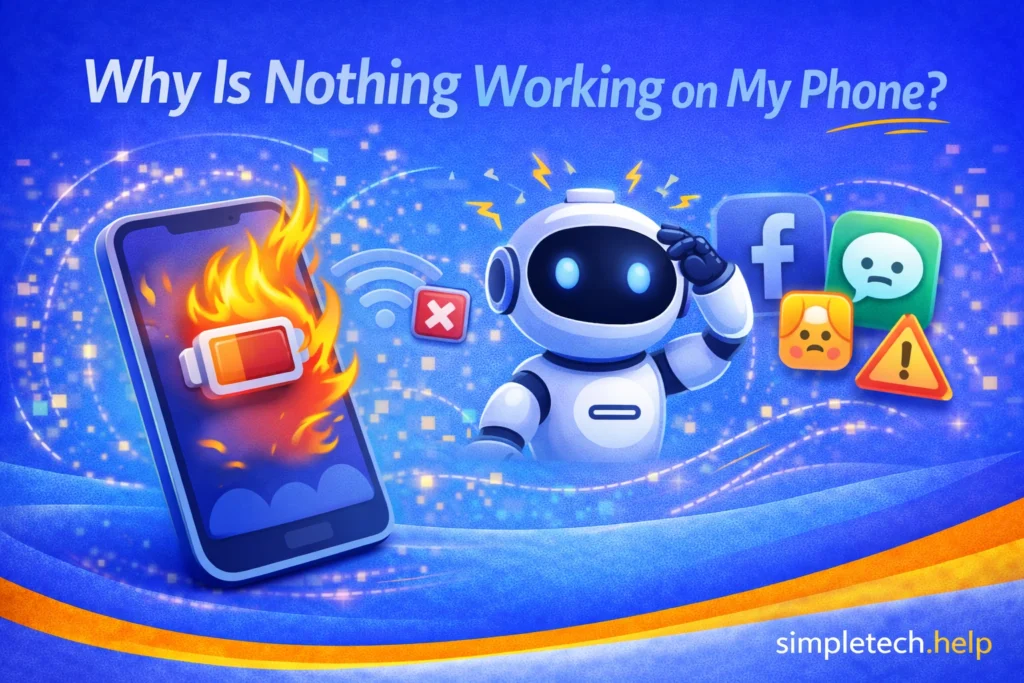
If your phone suddenly feels like nothing is working, including apps won’t open, the screen won’t respond, or nothing is loading, you’re not alone.
An issue that many users have experienced, it has a simple fix.
What “Nothing is Working” Usually Means
When people say their phone isn’t working, it usually includes one or more of these problems:
- Apps won’t open or keep crashing
- The phone is very slow or frozen
- Nothing loads, including websites, apps, or messages
- The screen is unresponsive
- The phone won’t connect to the internet
Essentially, your phone seems to have no charge and won’t turn on, or it seems like it’s broken.
Fix Your Device Fast
Is your device working properly?
This guide will help you narrow down the cause and fix it.
Before assuming your phone is broken, go through a few quick checks. Many problems can be resolved in just a few minutes.
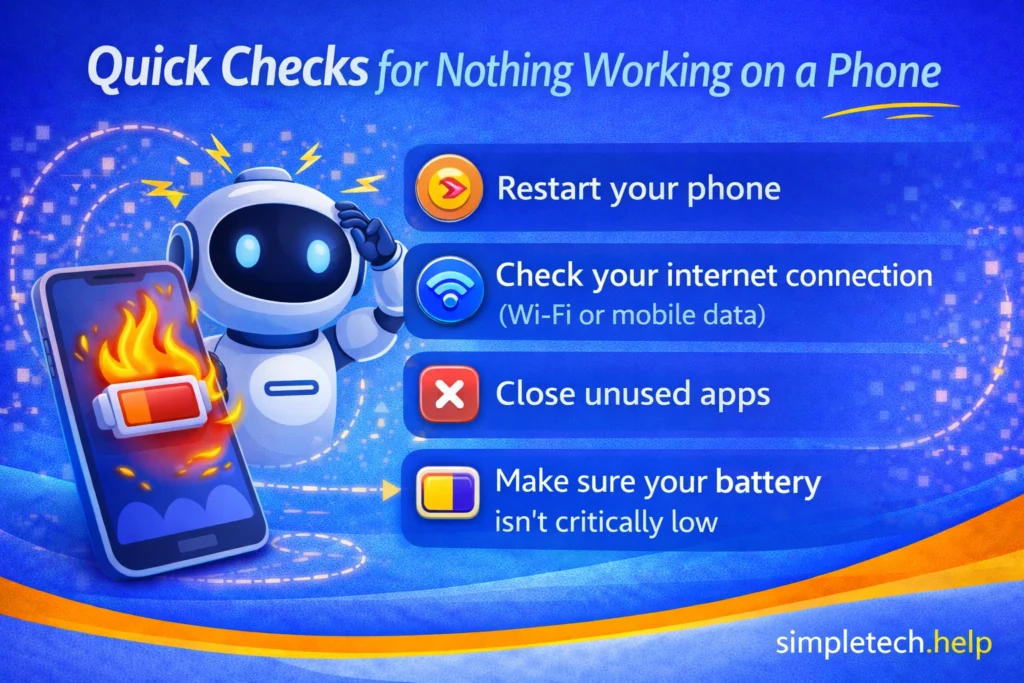
Quick Checks for Nothing Working on a Phone
Before diving deeper, try these simple steps:
- Restart your phone
- Check your internet connection (Wi-Fi or mobile data)
- Close unused apps
- Make sure your battery isn’t critically low
These quick fixes solve many issues right away.
Now, you have a broad overview. Let’s take a deeper look into why each step can fix when nothing works on a phone, and what you can do if none of them yield a solution.
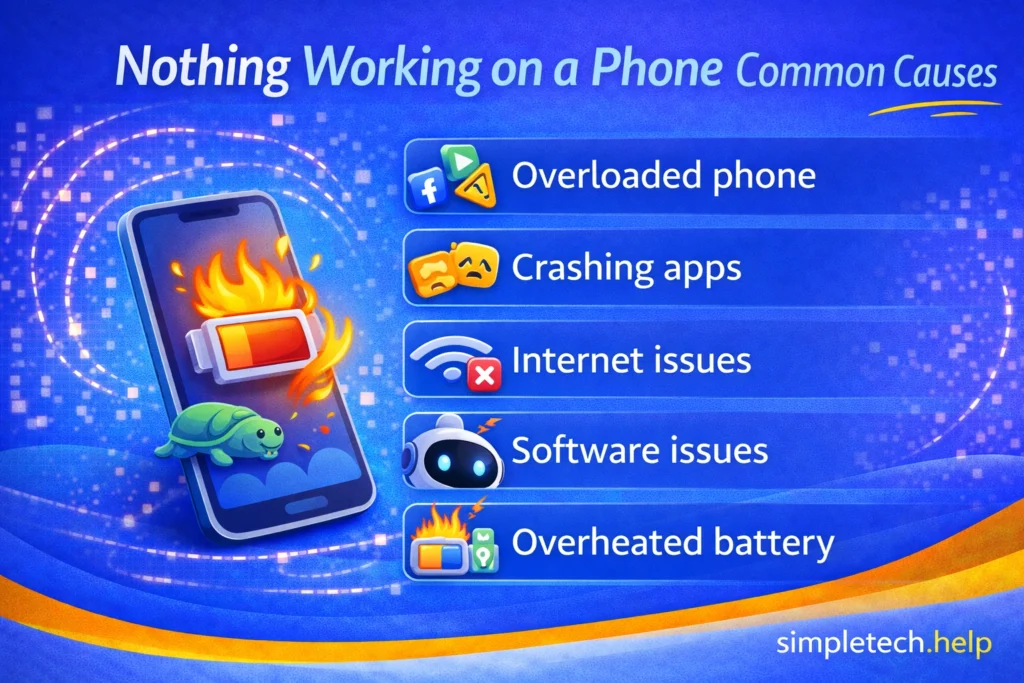
Common Reasons Your Phone Isn’t Working
Understanding the cause of nothing working on a phone makes it much easier to fix.
Your Phone is Overloaded
Too many apps, background activity, or low storage can slow your phone down or make it freeze.
What to do:
- Close unused apps
- Restart your phone
- Free up storage space
Many users install more apps on their phones than they actually use. Some users install over 100 apps on their devices, but only interact with eight or nine on a weekly and monthly basis.
If you open an app once and don’t use it again for several days, the app continues running in the background, especially if developers push updates. The app continues to cache data. If you have several unused apps open on your phone, they can run in the background and bog it down, leading to a slow phone.
Need help decluttering your phone? Learn how to build a digital app stack.
When you call tech support about hardware or software issues, they often ask you to restart your device. Restarting a device ends running processes, clears its cache, and can fix glitches preventing hardware or software from operating as intended.
As a rule of thumb, leave 10% of your phone’s storage free. The 10% allows your device to download and install system and file updates, which help it run optimally. Additionally, it allows apps that you frequently use to also update without interrupting you when you use the device.
If you receive phone storage full errors on your device, you can make room without deleting everything.
Myth: “If nothing is working, my phone is broken.”
Reality: Most issues are caused by software, apps, or connectivity—not hardware failure.
Simple fixes solve most problems.
Apps are Crashing
If apps won’t open or keep closing, the problem may be with the apps themselves.
What to do:
- Update your apps
- Restart your phone
- Remove and reinstall problematic apps
Both the Apple and Android Stores require developers to update their apps to keep up with changes to their respective operating systems. When you update your phone’s operating system, you can expect the top apps to roll out updates for compatibility.
Additionally, app developers release updates to keep their software secure and to improve the user experience. Keeping apps up to date improves performance and prevents app crashes.
Uninstalling and reinstalling problematic apps is another go-to troubleshooting method used by tech support professionals, especially if you have already restarted your device. Sometimes, the process helps clear the cache and remove glitches during the uninstallation process. When you reinstall the app, it’s like a refresh.
Internet Issues
If nothing is loading, the issue may not be your phone. It may be your connection.
What to do:
- Switch between Wi-Fi and mobile data
- Restart your router
- Move closer to your Wi-Fi source
Basic technology troubleshooting sometimes requires testing. If internet issues are preventing anything from working on your phone, you need to test it.
Switching between Wi-Fi and mobile data will tell you if either connection is failing. If your home Wi-Fi shows as connected on your phone but isn’t working, you’ll need to follow a set of troubleshooting steps. If your cellular data is not working, you will have to follow a different set.
Your goal is to determine whether either connection is causing the issue. Your Wi-Fi might just be slow.
Software Glitches
Temporary bugs can cause your phone to act unpredictably.
What to do:
- Restart your phone
- Check for system updates
- Update apps
Keeping your apps and phone’s operating system up to date is a good technology maintenance habit that helps prevent issues like nothing working on your phone. So, check if your apps or phone needs to be updated.
Small glitches are common and usually easy to fix.
Sometimes, developers roll out software updates that break rather than improve features. In that case, keep an eye out for another update or patch.
Battery or Overheating Issues
If your phone is too hot or low on battery, it may slow down or stop working properly.
What to do:
- Let your phone cool down
- Charge your device
- Avoid heavy use while charging
Phones overheat for various reasons, including heavy use while charging.
To prevent damage to your phone, let it cool down. Place it on a hard surface, not a soft one, such as a bedspread, pillow, or blanket. Depending on how hot it is where you are, your phone might only need five minutes to cool down. But during the warmer months, it might need more.
After it cools down, try charging your phone. Make sure that it can charge and hold it. Fast-draining phone batteries can cause several issues.
Even though it’s tempting, avoid using the phone while it’s charging. Ideally, it will give you a usable charge within half an hour. If it does not, it could indicate that your phone has issues that require professional help
If it’s time to replace your device, our buying tech guide outlines the specs you need to know.
Remember: A Single Issue Affecting Everything
Sometimes one problem, like low storage or poor internet, can make it feel like everything is broken. Fixing the main issue often restores your phone to normal.
How To Figure Out the Problem
If you’re not sure what’s wrong, ask:
- Is my phone slow or frozen?
- Is nothing loading?
- Are apps crashing?
Start with the problem that stands out the most and follow that path.
Beginner Mistake: Trying too many fixes at once. This can make it harder to figure out what actually worked.
Fix: Try one step at a time.
Start with simple fixes like restarting, then move step-by-step. This makes troubleshooting easier and more effective.
Troubleshooting technology requires the right mindset, such as the SimpleTech Mindset and Framework. Troubleshooting tech can seem intimidating, but you can do it yourself in only a few minutes.
What If Nothing Is Working on Other Devices?
If you’re experiencing this on a device other than a phone, the steps below will still help.
While this guide focuses on phones, the same “nothing is working” feeling can occur on other devices, such as computers, tablets, smart TVs, and smartwatches.
The good news is that the causes and fixes are often very similar.
Computers and Laptops
If nothing is working on a computer, you may notice that programs won’t open, the system is slow or frozen, the internet isn’t working, or the screen is unresponsive.
Common causes:
- Too many programs running simultaneously
- Low memory or storage
- Software glitches
- Internet connectivity issues
What to do:
- Restart the computer
- Close unused programs or browser tabs
- Check your internet connection
- Make sure the device is updated
If the issue continues, the computer may need maintenance, such as clearing storage or checking for software issues.
Tablets
Tablets work very similarly to phones, so the causes are often the same.
If nothing is working on a tablet, it may be due to too many apps running simultaneously, low storage space, app crashes, or internet problems
What to do:
- Restart the tablet
- Close unused apps
- Check Wi-Fi connection
- Update apps and software
In most cases, the same steps that fix a phone will also fix a tablet.
Smart TVs and Streaming Devices
If nothing is working on a smart TV or streaming device, you may notice that apps won’t load, streaming services buffer or freeze, or the device feels slow or unresponsive.
Common causes include poor internet connection, outdated apps, and device overheating, or too many apps running in the background.
What to do:
- Restart the TV or streaming device
- Check your Wi-Fi connection
- Update apps
- Unplug the device for a minute, then plug it back in
Smart TVs rely heavily on internet connectivity, so connection issues are often the main cause.
Smartwatches
If nothing is working on a smartwatch, it may appear slow or unresponsive, not syncing with your phone, apps not opening, or the battery draining quickly.
Common causes include connection issues with your phone, low battery, or software glitches.
What to do:
- Restart the watch
- Make sure it’s connected to your phone
- Charge the device
- Update the software
The small steps can help your Smartwatch start working again.
A Simple Rule for all Devices
No matter what device you’re using, most issues come down to a few common causes:
- Too many apps or processes running
- Poor or no internet connection
- Low battery or overheating
- Temporary software glitches
If you check these areas first, you can often fix the problem quickly.
💡 Tip: If a device feels completely unresponsive, start with a restart. It’s one of the simplest and most effective fixes across all devices.
How to Prevent Nothing Working on Your Phone in the Future
After you troubleshoot why nothing is working on your phone and figure out the cause, you can take steps to prevent it from happening again.
Remember to:
- Restart your phone regularly
- Keep apps and software updated
- Avoid running too many apps at once
- Maintain enough storage space
- Monitor battery and device temperature
These habits help keep your phone running smoothly.
Quick Summary
“Nothing is working” is usually caused by a few common issues. When troubleshooting them, start with simple fixes like restarting and checking your connection.
Focus on one problem at a time. When you find the cause of the issue, the approach helps you understand what you found and how you fixed it.
Most issues are temporary and fixable, especially if your device has aged well or is still new.
Learning & Next Steps
Now that you understand why your phone may not be working, the next step is to identify the specific issue and follow the right fix.
You don’t need to fix everything at once. Start with the most obvious problem, whether it’s slow performance, internet issues, or crashing apps, and work step by step.
Bookmark this guide so you can return anytime your phone isn’t working as expected. Issues like this are common, and knowing what to check can save time and frustration.
As you continue troubleshooting, these guides can also help:
- Why Is My Phone So Slow?: Fix performance issues and lag
- Nothing Loading on Phone: Solve internet and loading problems
- Troubleshooting Framework: Follow a step-by-step process for any problem
The more you understand how your phone works, the easier it becomes to fix problems quickly.
And remember: Most issues aren’t serious. You just need to know where to look.
Frequently Asked Questions
When it seems like nothing is working on your phone, it is cause for concern. A few simple fixes can usually fix the issue.
The following frequently asked questions provide more insight into why a phone might not work.
Why does my phone suddenly stop working?
This can be caused by software glitches, too many apps running, low storage, or internet issues.
Should I restart my phone if nothing is working?
Yes. Restarting is one of the most effective and simplest fixes.
Why is nothing loading on my phone?
This is often due to internet problems or app issues. Check your connection first.
How do I know if my phone is broken?
If problems continue after trying multiple fixes, or the phone won’t turn on at all, it may be a hardware issue.
When should I replace my phone?
If your phone has ongoing issues such as slow performance, battery problems, or crashes, it may be time to replace it.