Last Updated on March 21, 2026 by Simple Tech Help
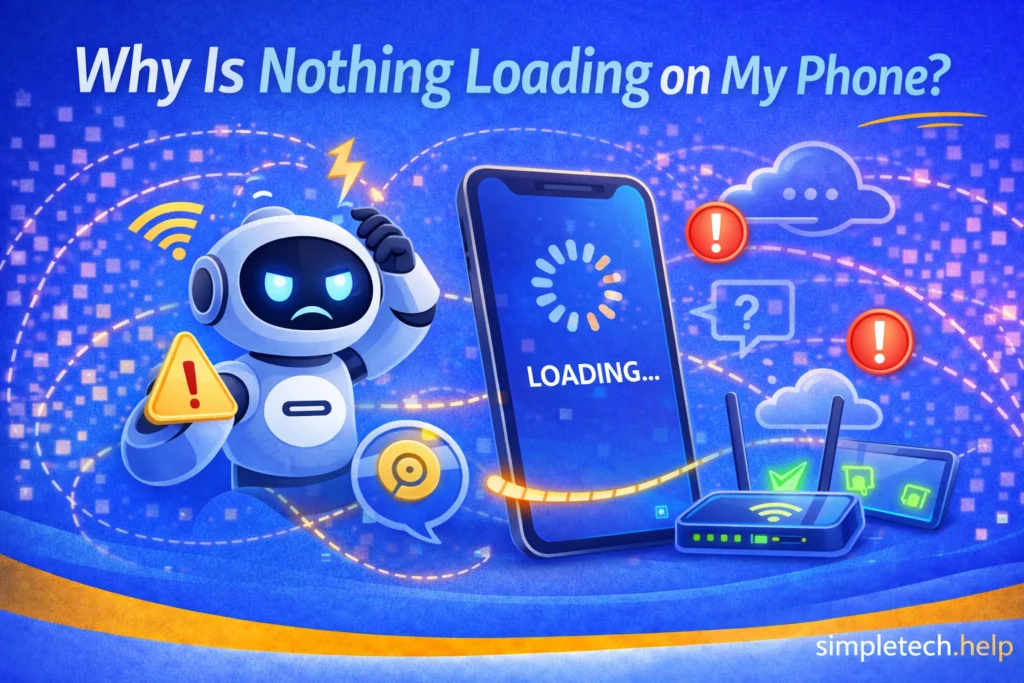
Nothing loading on your phone is a reason for concern, but don’t panic yet.
It happens. You expect to use your phone, but nothing loads. When nothing loads, it can be due to various reasons, such as a glitch that requires a simple restart.
If your phone is connected to Wi-Fi or mobile data but nothing is loading, apps won’t open, websites won’t load, or everything seems stuck, it can be confusing.
This issue usually means your phone has a connection, but something is preventing data from loading properly.
We explore the common causes and easy fixes so you can troubleshoot your phone and prevent it from happening again.
What “Nothing Loading” Usually Means
Technology, including your phone, can experience various issues. In many cases, they stem from common causes, such as a weak and unstable internet connection.
When troubleshooting technology, it’s essential to understand what you’re dealing with, so let’s define “nothing loading” on your phone.
When nothing loads, your phone may:
- show a Wi-Fi or data connection
- open apps, but not load content
- display blank screens or loading errors
Your phone shows all the signs that it should connect as expected, such as a Wi-Fi or data connection, but it does not actually connect to the internet.
This often points to a problem with:
- your internet connection
- your device
- or the apps you’re using
Something is preventing your phone from loading a website or opening an app, so the issue can lie with the internet connection, the app, or the device.
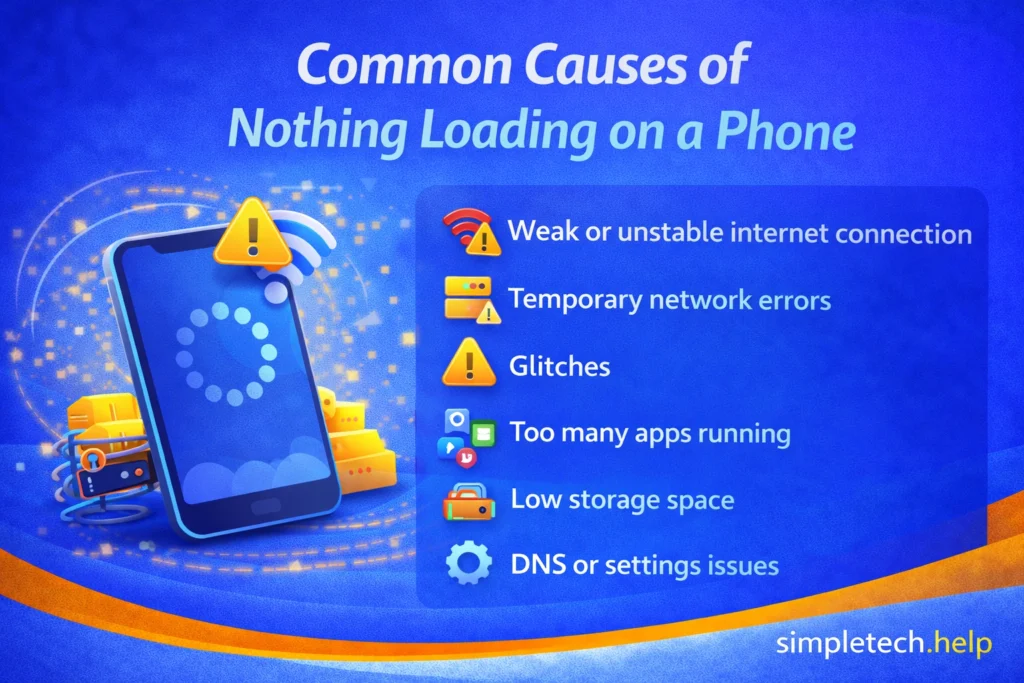
Common Causes of Nothing Loading on a Phone
When troubleshooting a phone that won’t load anything, start by testing the most common causes, beginning with a weak or unstable internet connection.
Weak or Unstable Internet Connection
Even if your phone shows it’s connected, the connection may be too weak or unstable to load content. You might be too far away from a stable connection, or your internet service provider may be experiencing issues.
Internet Connected, But Not Working
Sometimes your phone connects to Wi-Fi, but the network itself has no internet access. Something could be preventing your phone from processing the connection.
Temporary Network Errors
Short-term glitches between your device and the network can interrupt data loading. They include network timeouts and sudden crashes.
App or Software Glitches
Apps or your phone’s system may freeze or fail to load properly due to temporary bugs. Sometimes, developers roll out updates without knowing that their code has changed in a way that impacts their apps.
Too Many Apps Running
Running multiple apps at once can slow your phone down and prevent content from loading. While you do not need to close all your apps at all times, you should avoid leaving the ones you infrequently use open for several days.
Many users install more apps than they actually use on their phones. If your phone is cluttered with apps, unclutter it by building a digital app stack.
Low Storage Space
If your storage is nearly full, your phone may struggle to load apps or data. Phones require enough memory to run system processes, store files, install updates, and apps.
You can free up space on a phone with full storage without deleting everything.
DNS or Network Settings Issues
Incorrect or outdated network settings can prevent your phone from loading websites or app content.
How to Fix “Nothing Loading” on Your Phone
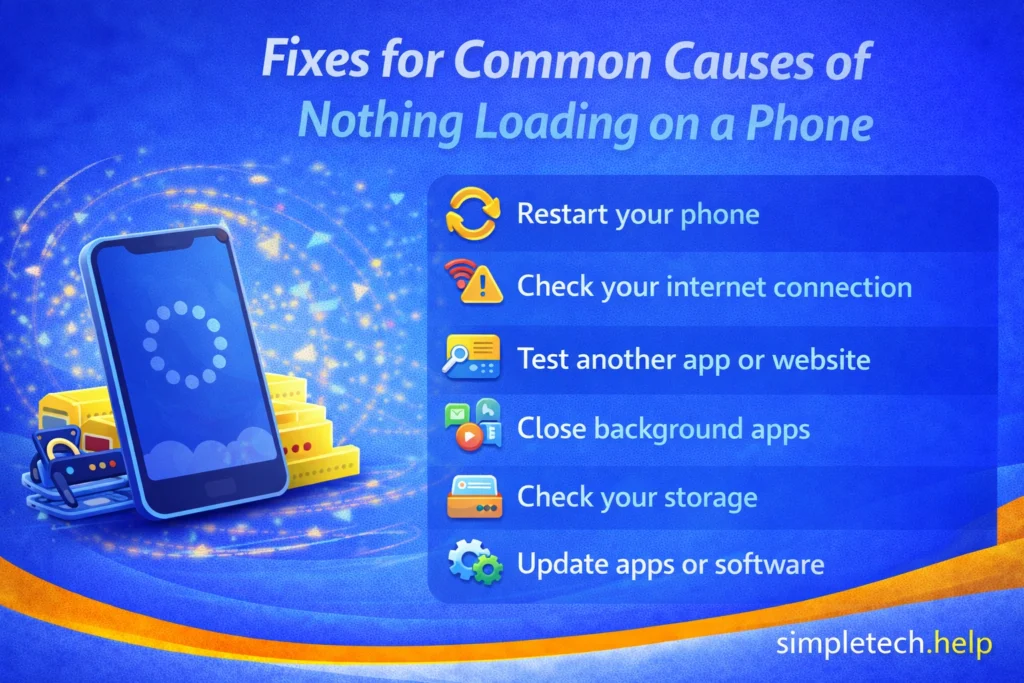
Now that you have reviewed the common causes of phones that don’t load anything, follow these steps in order to identify and fix the issue.
Restart Your Phone
Tech representatives have several go-to troubleshooting steps when they help customers. Many will ask them to restart their device.
Restarting is effective because it clears temporary glitches and is often the fastest fix.
So, try restarting your phone when it loads nothing.
Check Your Internet Connection
Next, check your internet connection. If what you want to load on your phone requires an internet connection, it must be stable.
You will:
- Turn Wi-Fi off and back on
- Switch between Wi-Fi and mobile data
- Move closer to your router
If nothing loads on either connection, the issue may be with your device.
Test Another App or Website
When nothing loads on your phone, the app or website you want to open may be the problem. Try opening a different app or website.
- If only one app isn’t working → the issue is likely the app
- If nothing loads at all → the issue is likely your connection or device
Restart Your Router (If Using Wi-Fi)
If you’re on Wi-Fi, restart your router to refresh the connection. Cached data can prevent your device from connecting to Wi-Fi properly. It also bogs down the router.
Close Background Apps
Additionally, shut down apps you’re not using to free up memory and improve performance. Shutting down apps you have not used recently clears up any issues they may be causing on your device. Sometimes, they can slow down your phone.
Check Your Storage
Storage helps determine your phone’s performance. A good rule of thumb is to leave 10% of your phone’s total available storage for system updates and apps.
If your storage is full:
- delete unused apps
- remove large files or photos
You may notice an improvement after freeing up storage.
If your phone runs out of space too often, here’s how to find out how much storage you actually need.
Update Apps and Software
Apps and software, like hardware, are not stagnant. Developers and engineers continually seek to improve them. Make sure your apps and your phone’s operating system are up to date so that it can perform optimally.
Reset Network Settings (If Needed)
If the problem continues, resetting network settings can fix deeper connection issues.
Using the Troubleshooting Framework
You can also apply a simple step-by-step approach outlined by the SimpleTech Technology Troubleshooting Framework.
Connection: Check Wi-Fi, mobile data, and signal strength
Power: Make sure your device and router are powered and functioning
Device or Software: Restart your phone, update apps, and clear storage
Remember that finding the reason why your phone is loading nothing requires the right mindset. Technology, like solving a math problem, requires a calm, logical, and organized approach.
Working through these steps helps you quickly narrow down the cause.

When Nothing Loading Might Be a Bigger Issue
Technology that doesn’t perform as expected could signal something more serious. When troubleshooting hardware or software, you must consider the device’s age and condition.
A new phone should retain its battery life very well, and it also should perform well after you install new apps and software.
However, aging phones have a tougher time keeping up with software updates.
If nothing loads even after trying all fixes, the issue may involve:
- your internet service provider
- a failing device
- or system-level software problems
If multiple devices on the same network have the same issue, it’s likely a network problem, not your phone.
How to Prevent a Phone that Loads Nothing
After you figure out why your phone loaded nothing, remember the cause and how you fixed it. Then, the goal is to prevent the issue from happening again.
To reduce the chances of a repeat:
- keep your phone updated
- restart your device occasionally
- avoid filling storage completely
- maintain a stable internet connection
Developing good habits keeps your device in good shape so it can perform well.
What If Nothing Is Loading on Other Devices?
This problem is not limited to phones. If nothing loads on a computer, tablet, smart TV, or other device, the cause is often the same.
Understanding this can help you quickly determine whether the issue is with your device or your internet connection.
Computers and Laptops
If websites or apps are not loading on a computer, the issue may be due to the browser, network connection, or system performance.
Common causes include:
- too many browser tabs open
- outdated browser or software
- network connection problems
Example: A website won’t load on your laptop because the browser is overloaded with tabs or the Wi-Fi connection is unstable.
Tablets
Tablets function similarly to phones, so the causes are often the same.
Common causes include:
- low storage
- outdated apps
- weak Wi-Fi signal
Example: A streaming app won’t load on a tablet because it needs an update or the connection is too slow.
Smart TVs and Streaming Devices
Smart TVs rely heavily on a stable internet connection to load apps and content.
Common causes include:
- slow or unstable Wi-Fi
- outdated apps or system software
- temporary network errors
Example: A streaming service won’t load on a smart TV because the Wi-Fi signal is weak or the app needs to be restarted.
How to Tell If It’s Your Device or the Internet
A simple way to identify the problem is to test multiple devices.
- If only one device is affected → the issue is likely with that device
- If multiple devices cannot load anything → the issue is likely with your internet connection
This quick check can save time and help you focus on the right solution.
Why This Matters
No matter the device, most “nothing is loading” problems come down to three areas:
- connection (Wi-Fi or internet access)
- device performance or settings
- app or software issues
Once you identify which area is causing the problem, the solution becomes much easier to find.
Learning and Next Steps
As you troubleshoot connection issues, it helps to understand how your phone, apps, and internet all work together. Now that you understand how to troubleshoot your phone when it fails to load anything, you can complement your knowledge with our other guides, such as:
- Why Is My Wi-Fi So Slow?: Learn how connection issues affect loading speed
- Internet Connected But Not Working: Understand why you can be connected without access
- Why Do My Apps Keep Crashing?: See how app and system issues impact performance
- Troubleshooting Framework: Follow a simple process to solve most tech problems
The more you understand how your phone connects and loads information, the easier it becomes to fix issues quickly. And remember: most “nothing is loading” problems are temporary. You just need to identify where the breakdown is happening.
Frequently Asked Questions
When nothing loads on your phone, a weak internet connection can be the cause. Here are some frequently asked questions about nothing loading on a phone.
Why is my phone connected to Wi-Fi, but nothing loads?
If your phone is connected to Wi-Fi, but nothing loads, it indicates that the network has no internet access or the connection is unstable.
Why won’t apps load even though I have internet?
Even with the internet, nothing loads on your phone due to app glitches, outdated software, or background processes interfering.
Does restarting fix this issue?
Yes, restarting often resolves temporary glitches that prevent content from loading. Many tech professionals use it as a go-to troubleshooting method.
Is this a phone problem or an internet problem?
It can be either. Testing another device or switching networks can help you identify the cause.